1
Amazon Elastic Compute Cloud User Guide for Linux
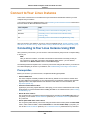
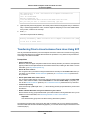
Connect Using SSH
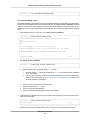
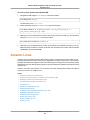
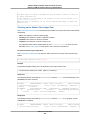
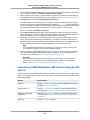
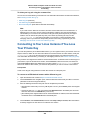
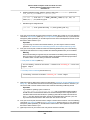
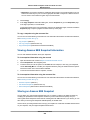
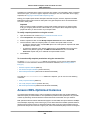
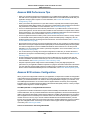
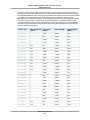
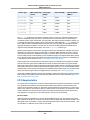
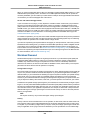
To use SCP to transfer a file
1.
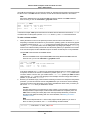
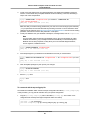
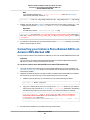
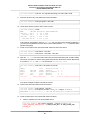
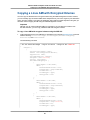
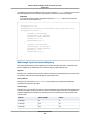
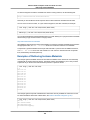
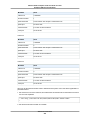
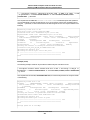
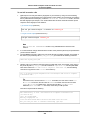
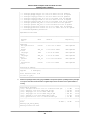
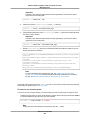
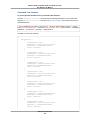
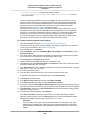
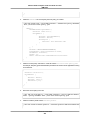
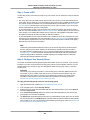
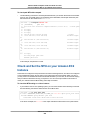
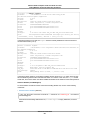
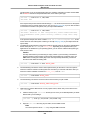
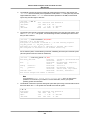
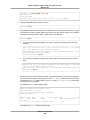
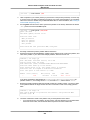
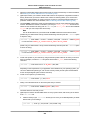
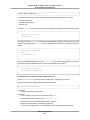
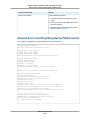
(Optional) You can verify the RSA key fingerprint on your instance by using one of the following
commands on your local system (not on the instance). This is useful if you've launched your instance
from a public AMI from a third party. Locate the SSH HOST KEY FINGERPRINTS section, and note
the RSA fingerprint (for example, 1f:51:ae:28:bf:89:e9:d8:1f:25:5d:37:2d:7d:b8:ca:9f:f5:f1:6f) and
compare it to the fingerprint of the instance.
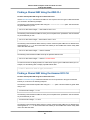
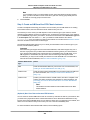
• get-console-output (AWS CLI)
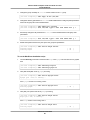
aws ec2 get-console-output --instance-id instance_id
• ec2-get-console-output (Amazon EC2 CLI)
ec2-get-console-output instance_id
Note
The SSH HOST KEY FINGERPRINTS section is only available after the first boot of the
instance.
2.
3.
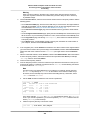
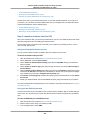
In a command shell, change directories to the location of the private key file that you specified when
you launched the instance.
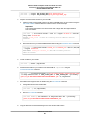
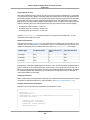
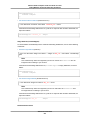
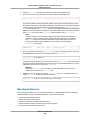
Use the chmod command to make sure your private key file isn't publicly viewable. For example, if
the name of your private key file is my-key-pair.pem, you would use the following command:
chmod 400 my-key-pair.pem
4.
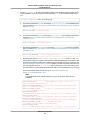
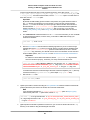
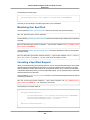
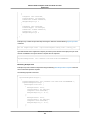
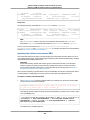
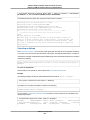
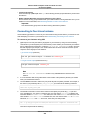
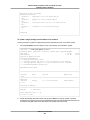
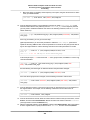
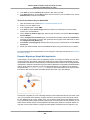
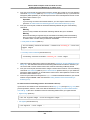
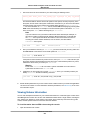
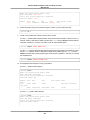
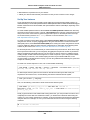
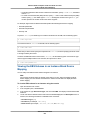
Transfer a file to your instance using the instance's public DNS name. For example, if the name of
the private key file is my-key-pair, the file to transfer is SampleFile.txt, and the public DNS
name of the instance is ec2-198-51-100-1.compute-1.amazonaws.com, use the following
command to copy the file to the ec2-user home directory.
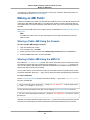
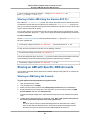
scp -i my-key-pair.pem SampleFile.txt ec2-user@ec2-198-51-100-1.compute1.amazonaws.com:~
Tip
For Amazon Linux, the user name is ec2-user. For RHEL5, the user name is either root
or ec2-user. For Ubuntu, the user name is ubuntu. For Fedora, the user name is either
fedora or ec2-user. For SUSE Linux, the user name is either root or ec2-user.
Otherwise, if ec2-user and root don't work, check with your AMI provider.
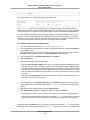
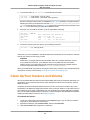
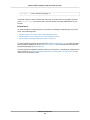
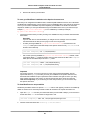
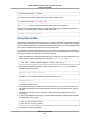
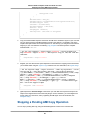
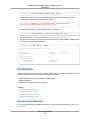
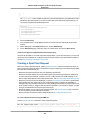
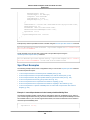
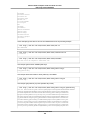
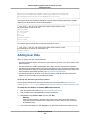
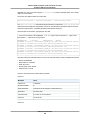
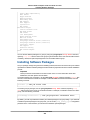
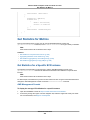
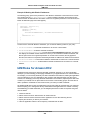
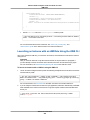
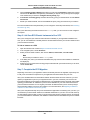
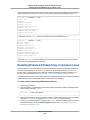
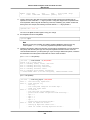
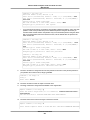
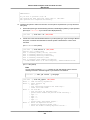
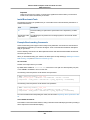
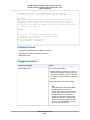
You'll see a response like the following.
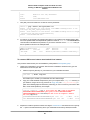
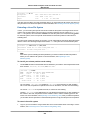
The authenticity of host 'ec2-198-51-100-1.compute-1.amazonaws.com
(10.254.142.33)'
can't be established.
RSA key fingerprint is
1f:51:ae:28:bf:89:e9:d8:1f:25:5d:37:2d:7d:b8:ca:9f:f5:f1:6f.
Are you sure you want to continue connecting (yes/no)?
API Version 2015-04-15
256