1
Chapter 21 • Configuring J2EE/.NET Diagnostics
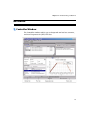
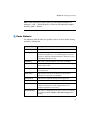
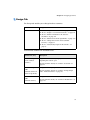
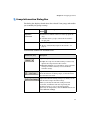
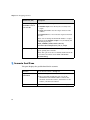
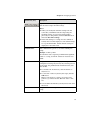
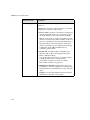
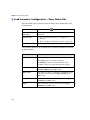
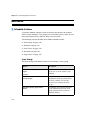
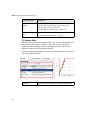
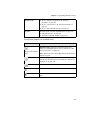
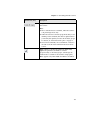
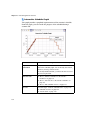
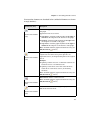
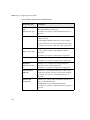
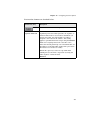
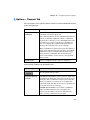
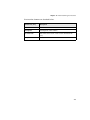
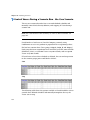
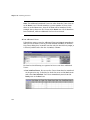
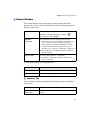
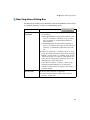
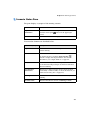
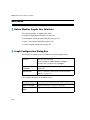
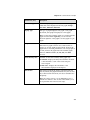
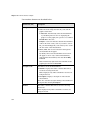
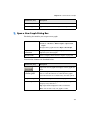
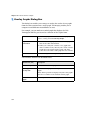
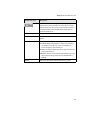
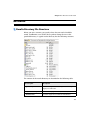
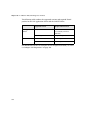
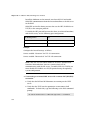
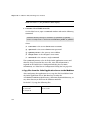
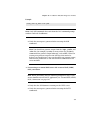
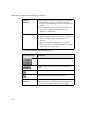
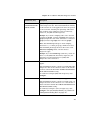
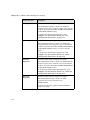
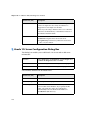
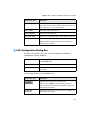
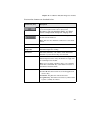
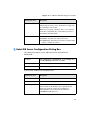
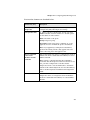
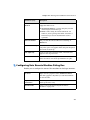
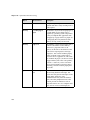
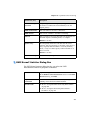
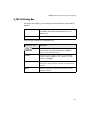
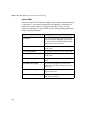
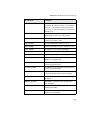
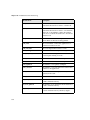
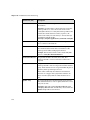
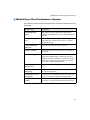
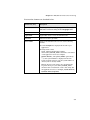
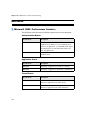
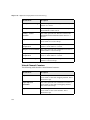
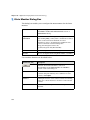
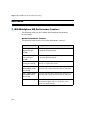
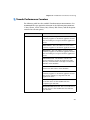
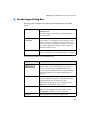
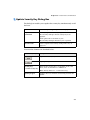
User interface elements are described below:
UI Elements (A-Z)
Description
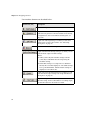
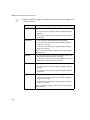
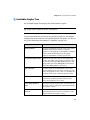
Enable J2EE/.NET
Diagnostics
Enables J2EE/.NET Diagnostics and allows you to
configure the J2EE/.NET Diagnostics settings
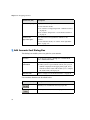
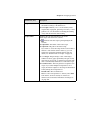
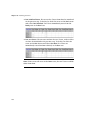
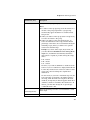
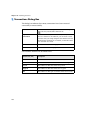
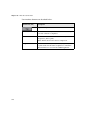
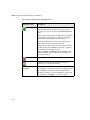
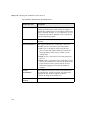
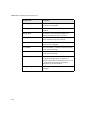
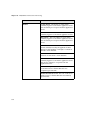
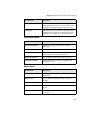
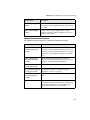
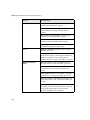
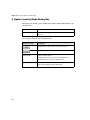
Select probes table
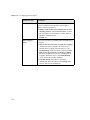
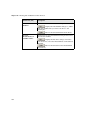
Selects a probe for monitoring. At least one probe
must be selected. Clear the check box to disable a probe
for the duration of the scenario.
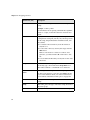
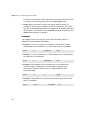
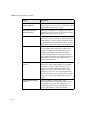
Name. The name of the probe.
Group. The probe group.
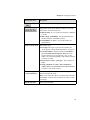
Host Name. The host the probe is running on (or the
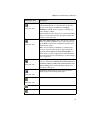
application server on which the probe is installed) la.
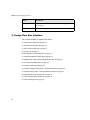
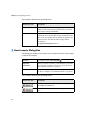
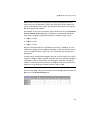
Note: If you upgraded your Diagnostics installation,
probes from existing scenarios may appear with a red
status. Clear any probes that appear in red.
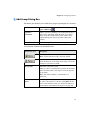
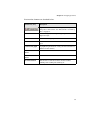
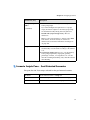
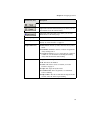
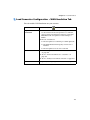
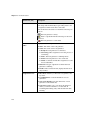
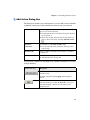
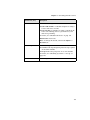
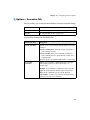
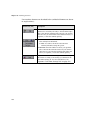
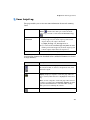
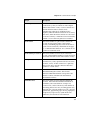
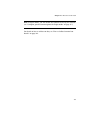
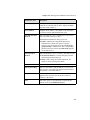
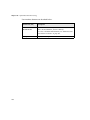
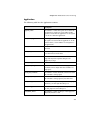
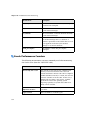
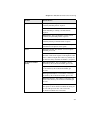
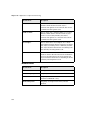
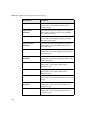
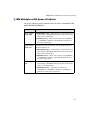
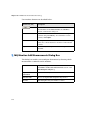
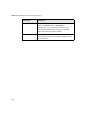
There is a firewall
between the
Mediator and the
Controller
Select if the Diagnostics server (or a Diagnostics server in
Mediator mode in a distributed environment) is located
behind a firewall.
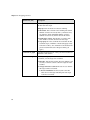
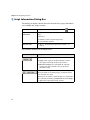
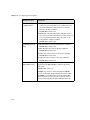
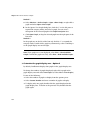
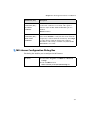
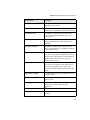
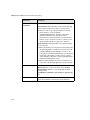
MI Listener server
Enter the name of the MI Listener server when the
Diagnostics server (or a Diagnostics server in Mediator
mode in a distributed environment) is located behind a
firewall.
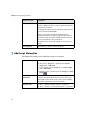
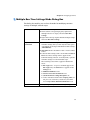
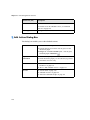
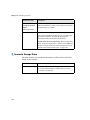
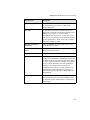
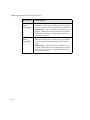
Note: If there is a firewall between the LoadRunner
Controller and the Diagnostics Server involved in a load
test, you must configure the Controller and the
Diagnostics Server to use the MI Listener to enable the
transfer of the offline analysis file. For more information,
refer to the HP Diagnostics Installation and Configuration
Guide.
437