1
Chapter 2 — Getting Started
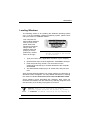
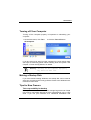
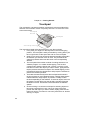
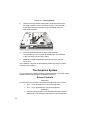
1. Open the Control
Panel.
2. Double-click Display.
The Display Properties
window opens.
3. Click the Settings tab.
4. Click the Advanced
button.
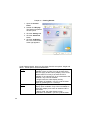
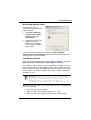
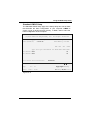
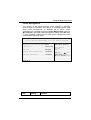
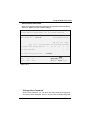
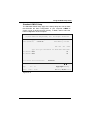
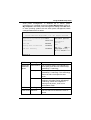
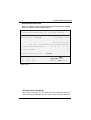
5. Click the S3 Display
tab. The screen shown
at the right appears.
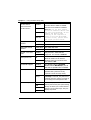
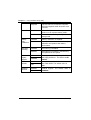
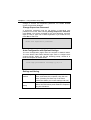
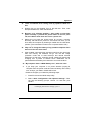
Under Display Modes, there is a drop-down list with tow options: Single and
Mirror. These options are described below.
In Display Combination, there are two options
Single
available: VGA1 or LCD2. You can choose which
device to apply as the Primary display. VGA1 is the
default value for Primary if an external CRT is
available. If an external CRT is not connected to the
notebook, only LCD2 is available.
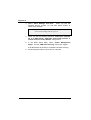
In Single mode, the video display hot key
combination is available—you can cycle the video
output by pressing the Fn + F5 keys.
In Display Combination, there is no Primary
Mirror
display option available. Only LCD2 is available as
Secondary display even when an external CRT is
connected.
In Mirror mode, the video display hot key
combination is available—you can cycle the video
32