1
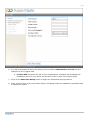
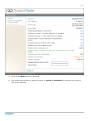
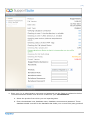
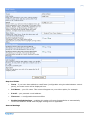
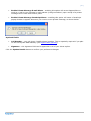
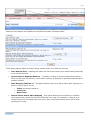
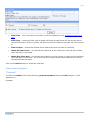
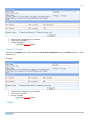
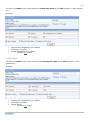
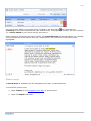
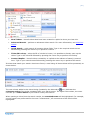
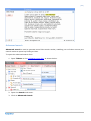
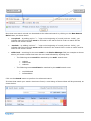
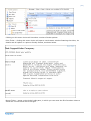
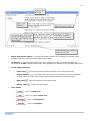
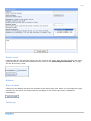
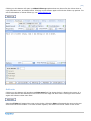
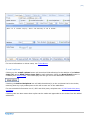
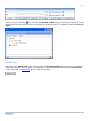
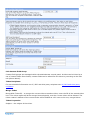
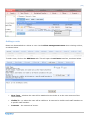
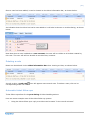
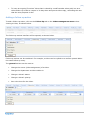
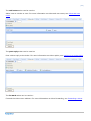
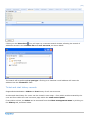
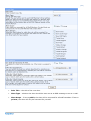
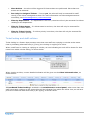
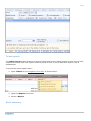
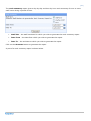
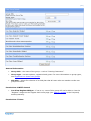
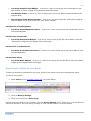
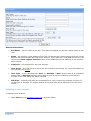
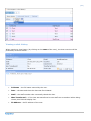
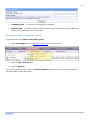
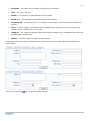
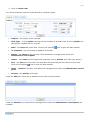
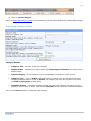
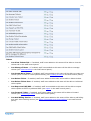
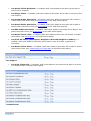
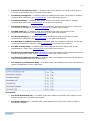
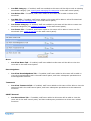
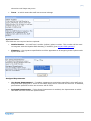
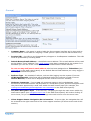
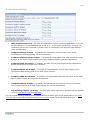
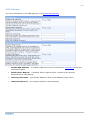
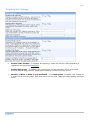
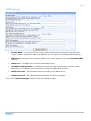
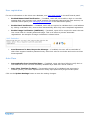
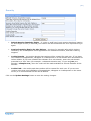
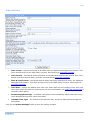
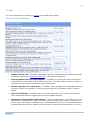
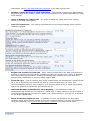
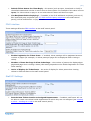
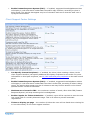
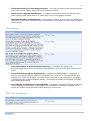
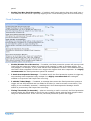
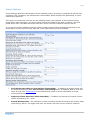
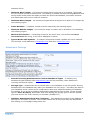
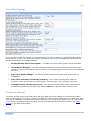
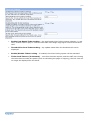
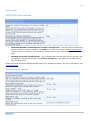
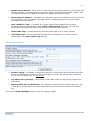
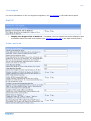
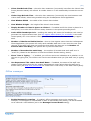
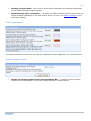
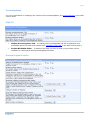
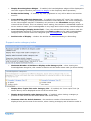
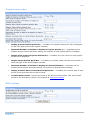
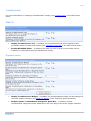
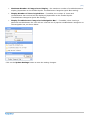
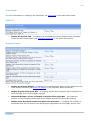
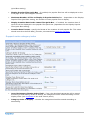
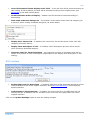
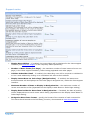
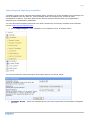
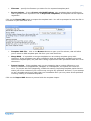
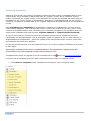
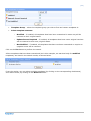
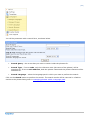
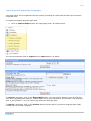
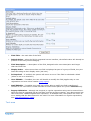
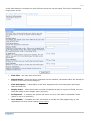
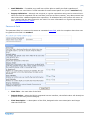
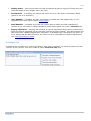
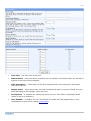
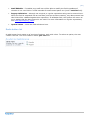
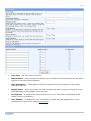
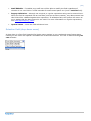
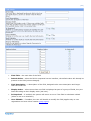
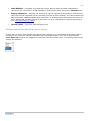
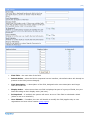
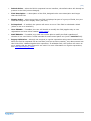
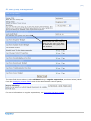
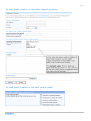
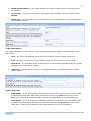
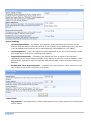
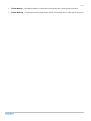
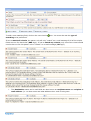
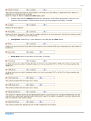
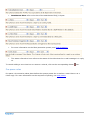
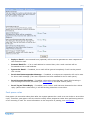
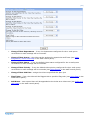
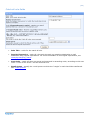
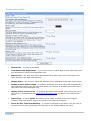
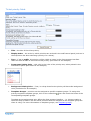
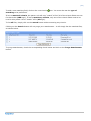
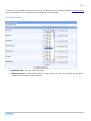
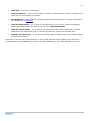
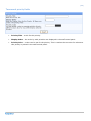
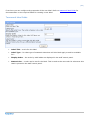
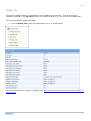
[ 331 ] Default Ticket Status for Client Reply – this status (such as open, closed and on-hold) is the default status that a ticket is set to when a client replies. For example if this value is set to Open, if a client makes a reply to an on-hold ticket it‟s status will be set to open. List Recipients Before Replying? – if enabled, a list of all additional recipients (such as CC, BCC and third party recipients (see CC, BCC and third party recipients in the staff control panel)) will be listed before a reply is made. PDA Interface These settings affect the PDA interface to the staff control panel. Enable Pagination for Ticket Posts – if enabled, ticket postings will be paginated across a number of pages (for example, 10 ticket posts per page can be displayed when viewing a ticket). Number of Posts Per Page in View ticket Page – the number of posts to be displayed per paginated page when viewing a ticket (this setting depends on the Enable Pagination for Ticket Posts setting). Order of Display for Ticket Posts – the order of display for ticket posts when viewing tickets in PDA interface to the staff control panel. Staff CP Settings Restrict New Ticket Creation to Assigned Departments – if enabled, staff users will not be able to create new tickets inside departments to which they are not assigned (see creating a ticket – sending an e-mail in the staff control panel). Copyright © 2001 – 2009 Kayako www.kayako.com