1
OpenHouse-UK user manual
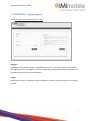
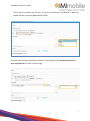
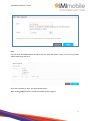
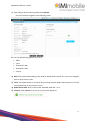
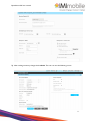
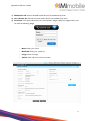
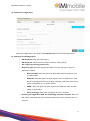
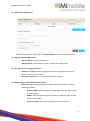
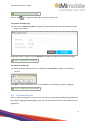
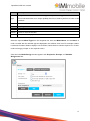
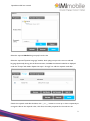
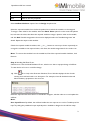
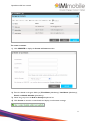
The Name and E-mail ID of the user cannot be changed.
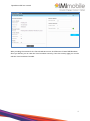
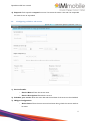
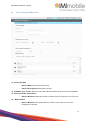
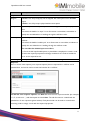
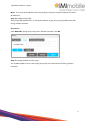
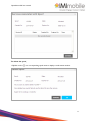
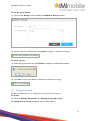
2) Enter the current password in the Old Password field.
3) Enter the New Password in the given field. The password must be a minimum 6 characters in
length.
4) Re-enter the new password for confirmation in the Confirm Password field.
5) Click Submit to save the modifications.
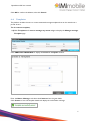
7.3.
Invite User
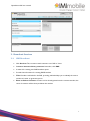
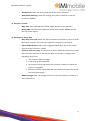
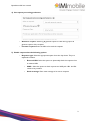
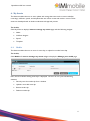
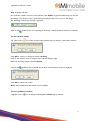
Each node in the platform has a default user referred to as ‘Admin’. The admin can send invite to
team members and assign roles to each registered user/team member. This feature enables the user
to delegate platform UI access to users and assign roles with specific permissions (for example:
Manage services, Manage financials, etc.). For this, the user can send out invite to team members and
assign them roles such as Read-only, Manage services, or Full access to the platform.
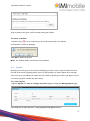
To do this,
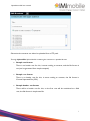
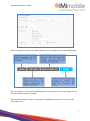
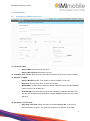
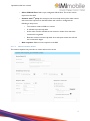
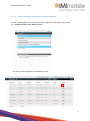
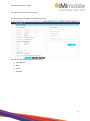
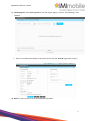
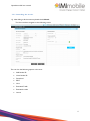
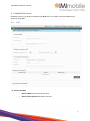
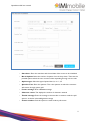
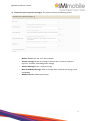
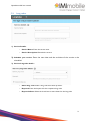
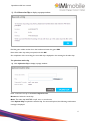
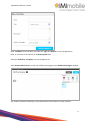
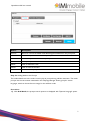
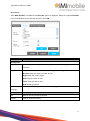
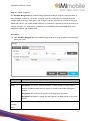
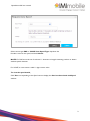
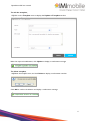
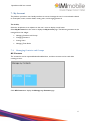
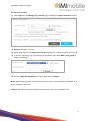
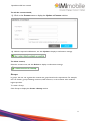
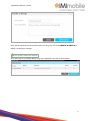
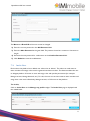
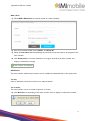
Click on Invite User in the Manage my profile widget. The Invite User page is displayed with
the related fields.
69