1
General
information
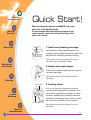
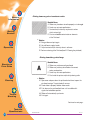
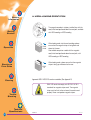
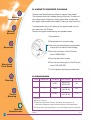
4. Loading cards
Getting
Started
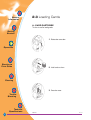
Step 1
Step 2
Step 3
First shuffle a stack of new cards to reduce any electrostatic charge.
Always handle cards by their edges.
Operation
Refer to printer user’s manual chapter 2 for more instructions.
5. Set card thickness control lever
Starting to
Print Cards
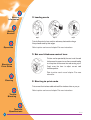
This item can be operated by the user to set the card
thickness and to prevent more than one card feeding
into the printer at the same time and causing a jam.
Simply move the lever to adjust correct card
thickness position.
Refer to printer user’s manual chapter 2 for more
information.
Cleaning
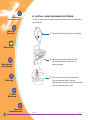
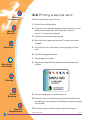
6. Starting to print cards
First connect the interface cable and install the windows driver on your pc.
Refer to printer user’s manual chapter 3 for more instructions.
Trouble
Shooting
Technical
Specifications
b
Rev. 1.3