1
DI-300SS User Manual
Table of Content
Notice ............................................................................................................................................1
Safety Information .........................................................................................................................2
Specifications.................................................................................................................................3
General............................................................................................................................................................... 3
Digital Section................................................................................................................................................... 3
Analog Section .................................................................................................................................................. 3
Interface ............................................................................................................................................................. 3
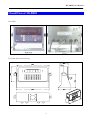
Overall View of DI-300SS ..............................................................................................................5
Product Layout ..............................................................................................................................6
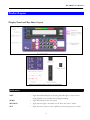
Display Panel and Key Sheet Layout............................................................................................................. 6
Indicators...................................................................................................................................................... 6
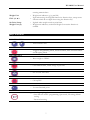
Keys Function ............................................................................................................................................. 7
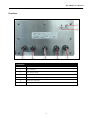
Interface ............................................................................................................................................................. 9
Interface........................................................................................................................................................ 9
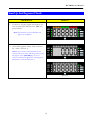
Start Up And Segment Check...................................................................................................... 10
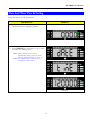
Date And Time View & Setting................................................................................................... 11
Tare Operation ............................................................................................................................ 14
ONE TOUCH TARE................................................................................................................................... 14
DIGITAL TARE ........................................................................................................................................... 16
Tare Value Exchange .................................................................................................................. 17
TARE ACCUMULATION.......................................................................................................................... 17
TARE SUBTRACTION............................................................................................................................... 19
Weighing Mode ........................................................................................................................... 21
PLU Call -Up In Weighing Mode ...............................................................................................22