1
NAVIGATIONAL MODE
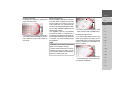
> Define the settings you want.
> Press the
button.
The route is calculated. A window informs you of the progress of the calculation.
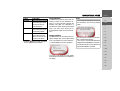
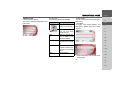
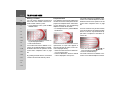
The Start key
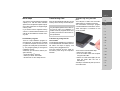
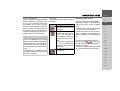
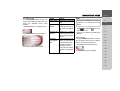
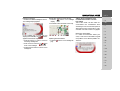
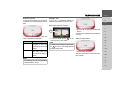
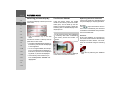
> Press the Start key in the route planning
menu.
The route options are displayed again.
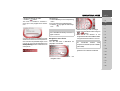
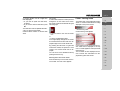
> Press the
key again to start navigation.
Note:
If no GPS signal is available, route guidance is started automatically as soon as a
signal is received.
Once the calculation is complete, the total
distance from the first to the last points on
the route and the probable length of the
journey for this route are displayed in the
Route planning window under the list of
route points.
>>>
Navigation menu: Enter
coordinates
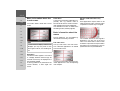
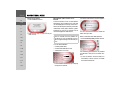
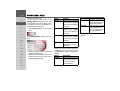
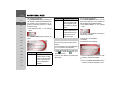
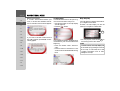
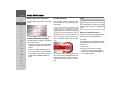
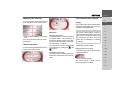
You can also enter a destination via
geographic coordinates.
>D
> GB
>F
>I
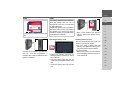
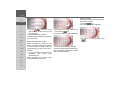
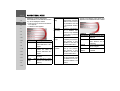
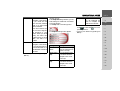
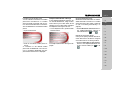
> Select the value you wish to change.
> Then enter the desired values using the
to
buttons.
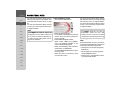
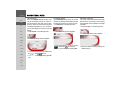
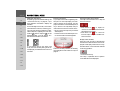
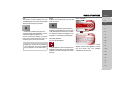
> You can set the direction of the
longitude and latitude via LON and LAT
using the left-hand buttons in the row.
>E
>P
> NL
Note:
The
coordinates
entered
must
correspond to WGS84 (World Geodetic
System 1984).
> DK
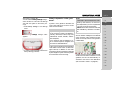
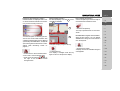
> Press the Start button to start route
guidance to the entered coordinates.
> FIN
>S
>N
> TR
> GR
> Press Enter coordinates
navigation menu.
in
the
> PL
> CZ
>H
> SK
55