1
Table of Contents
2
1 Names and Locations
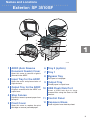
• Exterior: SP 3510SF
• Exterior: SP 3500SF
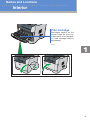
• Interior
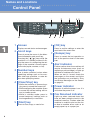
• Control Panel
2 Using the Copier Function
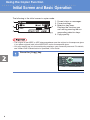
• Initial Screen and Basic Operation 8
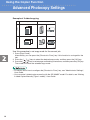
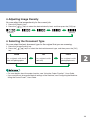
• Advanced Photocopy Settings
11
3 Using the Scanner Function
• Initial Screen and Basic Operation 14
• Advanced Scan Settings
21
4 Using the Fax Function
• Initial Screen and Basic Operation for Sending a Fax 22
• Advanced Scan Settings
25
5 Troubleshooting
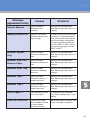
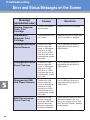
• Error and Status Messages on the Screen 26
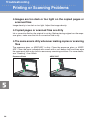
• Printing or Scanning Problems
30
• Fax Transmission Problems
31
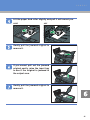
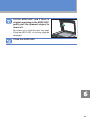
6 Removing Paper Jams
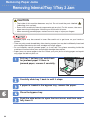
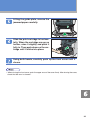
• Removing Internal/Tray 1/Tray 2 Jam
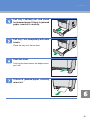
• Removing Bypass Tray Jam
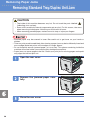
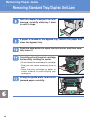
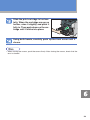
• Removing Standard Tray/Duplex Unit Jam
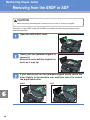
• Removing from the ARDF or ADF
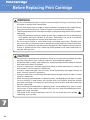
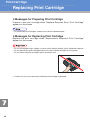
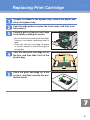
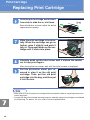
7 Print Cartridge
• Before Replacing the Print Cartridge 44
• Replacing the Print Cartridge
46
3
4
5
6
32
34
36
40