1
www.axxessid.com
Installation & User Guide
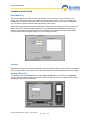
Add Wizard
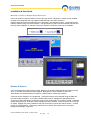
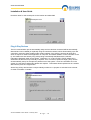
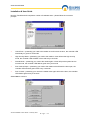
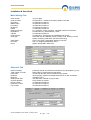
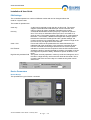
The Add Wizard allows fast entry of a single or multiple cardholders. Note that when adding multiple
cards the name will all be the same and will have to manually be edited.
If the high security and door unlocked feature are selected then these will be for all the doors in the
access group.
Individual settings per door can also be made using Mode Settings.
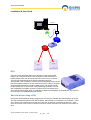
Replace Wizard
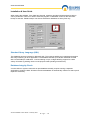
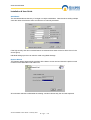
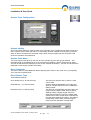
The Replace Wizard automatically transfers all the data to a new card and shows the previous card
numbers of the cardholder under Other Info.
All card status selections will disable the existing card but indicates why the card was replaced.
AX100 Installation & User Guide – February 2003
P a g e
2 5