1
SCHOOL OF BIOMEDICAL SCIENCES
-
-
VIRTUAL CAMPUS USER GUIDE
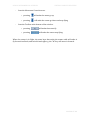
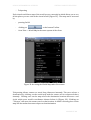
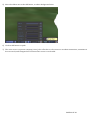
from the Movement Controls menu:
o pressing
will make the avatar go up
o pressing
will make the avatar go down and stop flying
from the Toolbar at the bottom of the window:
o pressing
will make the avatar fly
o pressing
will make the avatar stop flying
When the avatar is in flight, the same keys that make the avatar walk will make it
fly forward and back, and turn left and right e.g. the “W” key will move it forward.
PAGE 24 OF 44