1
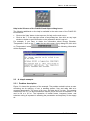
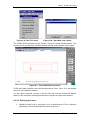
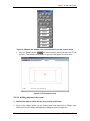
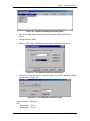
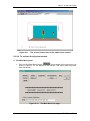
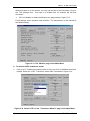
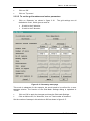
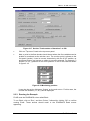
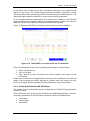
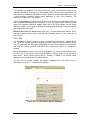
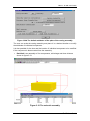
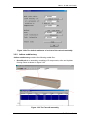
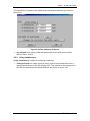
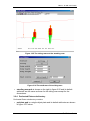
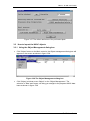
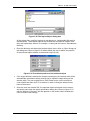
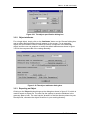
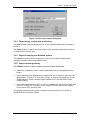
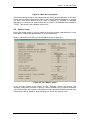
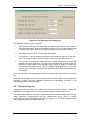
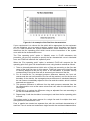
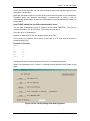
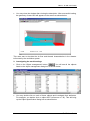
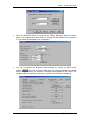
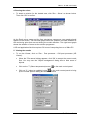
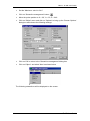
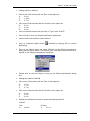
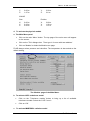
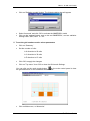
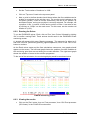
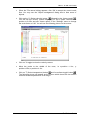
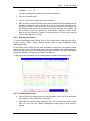
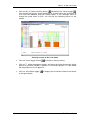
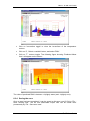
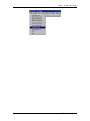
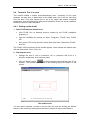
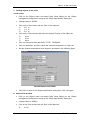
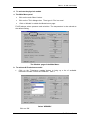
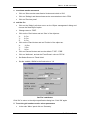
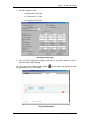
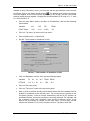
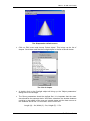
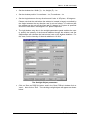
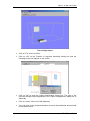
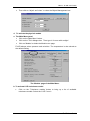
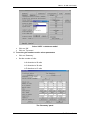
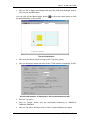
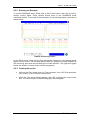
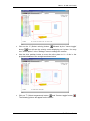
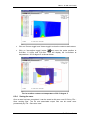
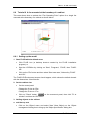
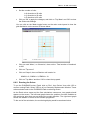
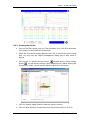
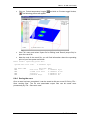
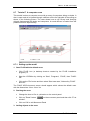
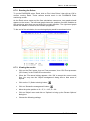
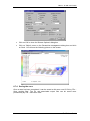
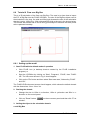
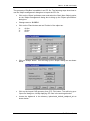
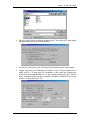
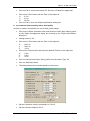
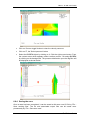
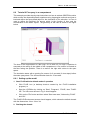
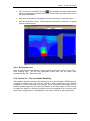
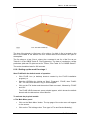
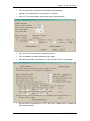
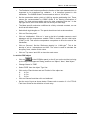
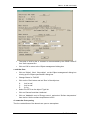
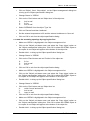
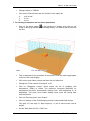
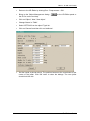
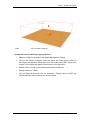
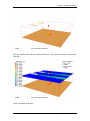
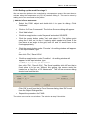
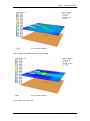
TR313 - FLAIR User Guide Figure 2.4 Resize the default room to 3mx5mx2.7m on the control panel Click on "Reset" button, on the movement panel and then click "Fit to window". The resized room shown in figure 2.5 will appear on the screen. Figure 2.5 The resized room 2.3.2.3 Adding objects to the room a. add the first object, which will act as a person in the room. Click on the 'Object' button on the control panel and then click on 'Object' pulldown menu on the 'Object management' dialog as shown in figure 2.6 10 FLAIR User Guide