1
Wintex™ User Guide
Introduction
Wintex™ is a user-friendly Windows™ based software, designed for use with the Premier & Premier Elite Series of control panels,
and provides complete upload/ download and systems diagnostics for total control and flexibility. The programme can be used
whether connected to a Control Panel or not, to create panel profiles and add and delete customers etc...
Windows is a registered trademark of Microsoft Corporation
Installation
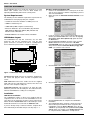
Wintex™ will function on any Windows PC with an operating system that is XP/2000/Vista & Seven. 32 Bit and 64Bit systems are
supported.
Wintex™ can be downloaded from the Texecom website providing you are a Registered Installer. Please visit http://www.texe.com
to register.
Wintex™ will be installed in C:\Programme Files\Texecom where C: is the designated hard drive. In the case of 64 bit systems, the
programme will be installed in C:\Programme Files (x86)\Texecom.
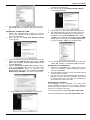
Once installation is complete you can use Wintex for the first time.
Starting Wintex
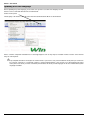
To open the program click on the Icon created during setup, if you chose not to create an Icon the application can be started from
the programme list under the Texecom folder.
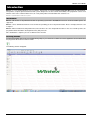
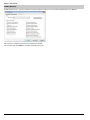
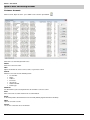
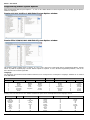
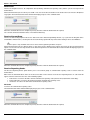
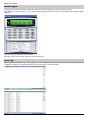
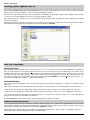
The following window will appear.
INS549-3
3