1
Managing Formulas and Local Variables
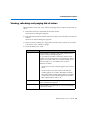
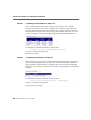
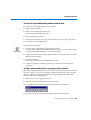
Deleting formulas and local variables
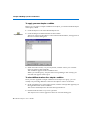
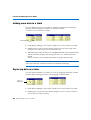
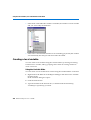
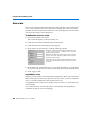
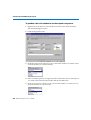
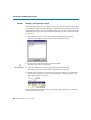
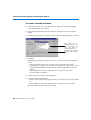
To delete a formula or local variable from a report:
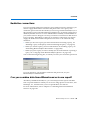
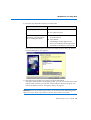
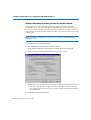
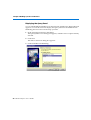
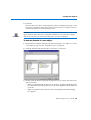
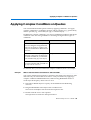
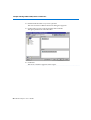
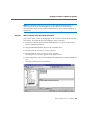
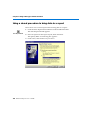
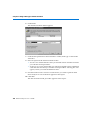
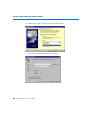
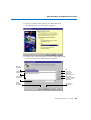
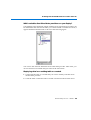
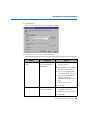
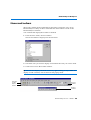
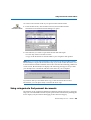
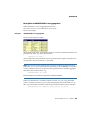
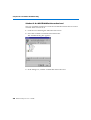
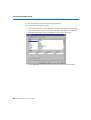
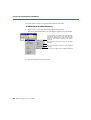
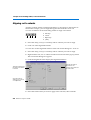
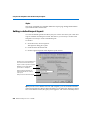
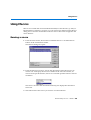
1. From the Data menu, choose Variables.
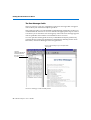
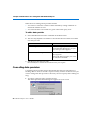
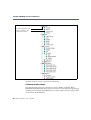
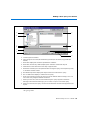
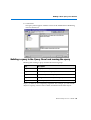
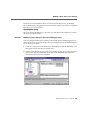
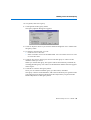
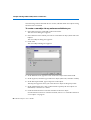
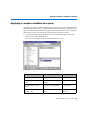
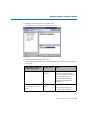
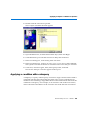
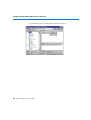
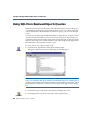
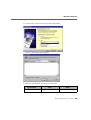
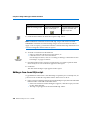
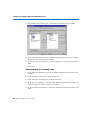
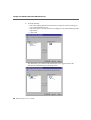
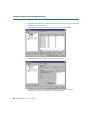
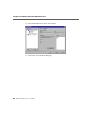
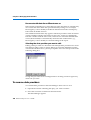
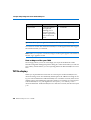
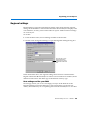
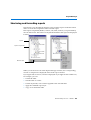
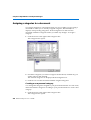
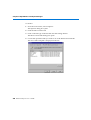
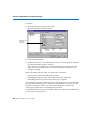
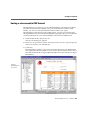
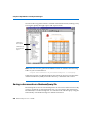
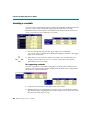
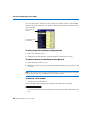
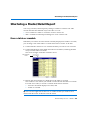
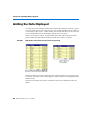
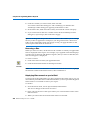
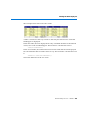
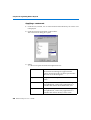
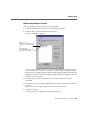
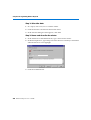
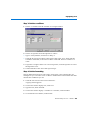
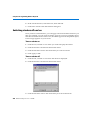
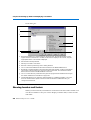
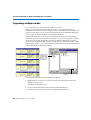
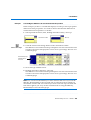
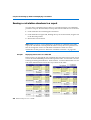
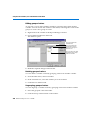
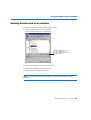
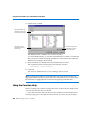
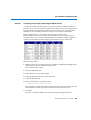
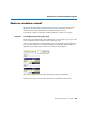
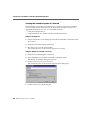
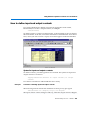
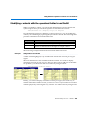
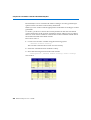
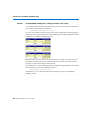
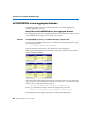
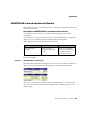
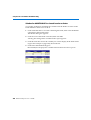
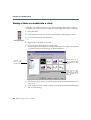
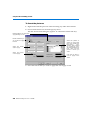
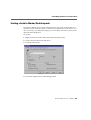
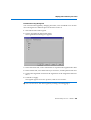
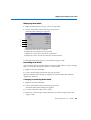
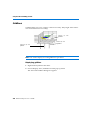
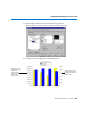
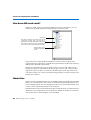
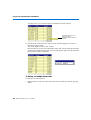
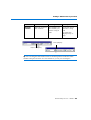
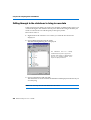
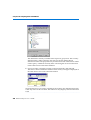
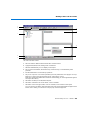
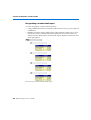
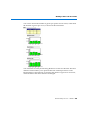
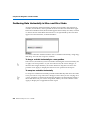
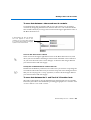
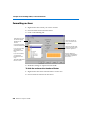
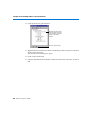
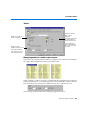
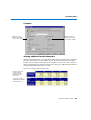
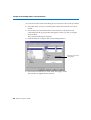
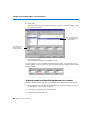
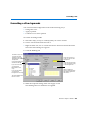
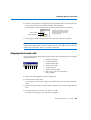
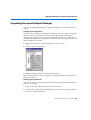
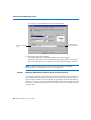
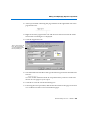
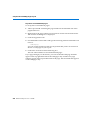
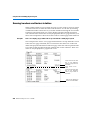
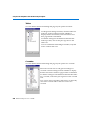
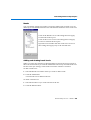
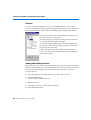
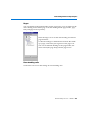
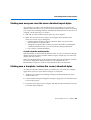
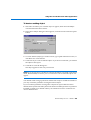
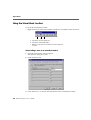
The Variables dialog box is displayed:
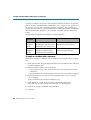
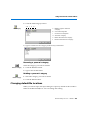
The Edit and Remove buttons
are not available if you
choose a variable returned by
the data provider.
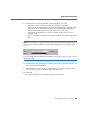
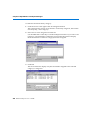
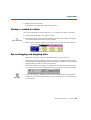
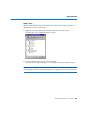
2. Open the Variables or the Formulas folder.
3. Select the variable or formula to delete.
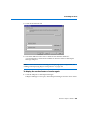
4. Click Remove and then click Close.
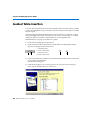
Note: You can only delete local variables, not variables returned by a data
provider.
BusinessObjects User’s Guide 331