1
Use Surface Pen in other apps
You can use your Surface Pen to draw and write or highlight text in Office apps. To learn more
about using Surface Pen in Office apps (called inking), see Use a pen to draw, write, or highlight
text on a Windows tablet on Office.com.
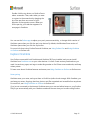
You can use the Surface Pen in drawing apps, and many others—any app that supports inking.
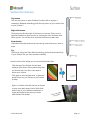
Even if your app doesn’t support inking, you can use your Surface Pen to enter text using the
handwriting panel in the on-screen keyboard. Here’s how:
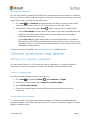
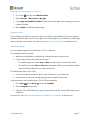
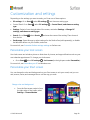
1. Swipe in from the right edge of the screen, and select Settings.
2. Select Keyboard > Touch keyboard and handwriting panel
Handwriting
.
> Keyboard
>
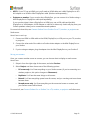
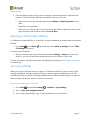
3. Write something on the handwriting panel. Surface automatically converts your words to
text.
4. Select Insert to insert your text.
The handwriting panel adapts to your writing over time, becoming more accurate the more you
use it. For more info, see How to use the on-screen keyboard on Surface.com.
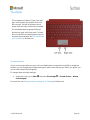
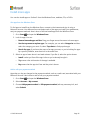
Type Cover keyboard and touchpad
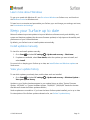
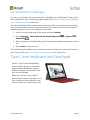
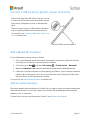
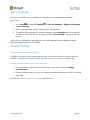
Surface 3 Type Cover (sold separately)
clicks into place, giving you a standard
keyboard layout, backlit keys, gestureenabled touchpad, and protective cover
all in one slim package.
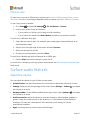
When you close the Cover, Surface 3
goes to sleep. Fold the Cover back to use
your Surface as a tablet. While the Cover
is back, Surface won’t detect key presses.
© 2015 Microsoft
Page 16