1
EN
2 / USING YOUR APPLIANCE
• USING THE PROGRAMMER
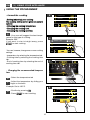
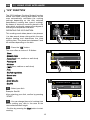
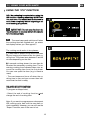
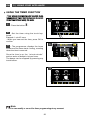
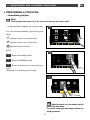
• Changing the time
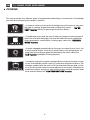
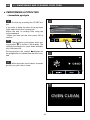
— The programmer displays the home screen.
1
1
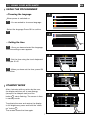
- Select the setting mode.
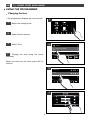
2 - Select Screen options.
3
2
- Select Time.
AUDIO
DISPLAY OPTIONS
COOKING OPTIONS
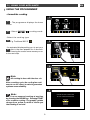
4 - Change the time using the touch
HELP
keyboard.
When you have set the time, press OK to
confirm.
3
LANGUAGE
TIME
BRIGHTNESS
ICONS DISPLAY SETTINGS
4
RESET
8