1
User Guide
Welcome Screen
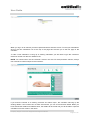
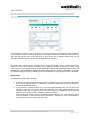
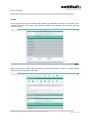
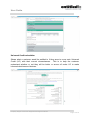
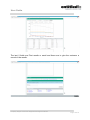
When you log in as an adviser you will be presented with a welcome screen. To start your calculations
click on the new calculation icon at the top of the page this will take you to the first page of the
calculator.
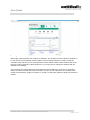
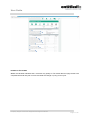
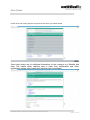
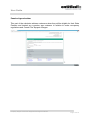
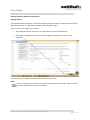
To start a new calculation or bring up an existing calculation you will need to type the customerʼs
reference number into the box: Reference ID.
NOTE: You should never use the customerʼs name in this box. For data protection reasons, always
use a reference number unique to that customer.
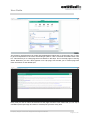
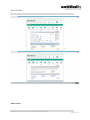
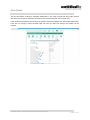
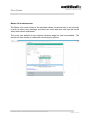
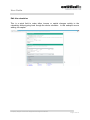
If you enter the number of an existing customer and select ʻOpenʼ, the calculator will bring up the
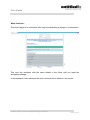
existing details. If the number has not been used before, you can now enter their details. When you
have entered the details and selected ʻNextʼ, the details will be saved and you will be able to open the
calculation from this screen in the future.
Company Reg No. 05191376: Registered in England & Wales
Page 2 of 18