1
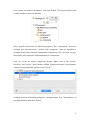
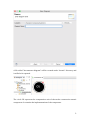
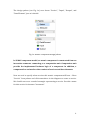
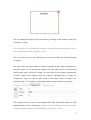
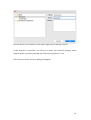
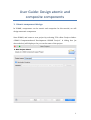
Give a name for instance “Example1” and click “Finish”. The project will be then created and has a structure like this. There specific directories for different purposes. The “components” directory contains two sub-‐directories, “atomic” and “composite”, that are intended to contains atomic and composite components respectively. The “src” and “src-‐gen” directories will contain the implementation of components. Now, we create an atomic component design. Right click at the “atomic” directory and choose “New-‐>Other-‐>XMAN Component-‐based Development-‐ >Atomic Design Diagram” and then select “Next”. A dialog as below will display asking for a diagram name. Give “Incrementor” as the diagram name and click “Finish”. 2