1
Producing Reports
As soon as a card holder makes a transaction at a muster reader or any other reader that is not an on-site
reader, he/she is removed from the next report.
Note: The system ignores a transaction at a reader if it generates a Door Not Opened alarm/event.
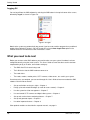
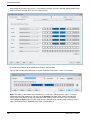
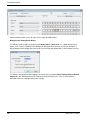
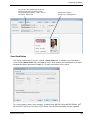
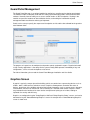
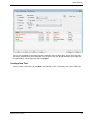
When the emergency (or drill) is over, you need to reset the muster from the "Home/Identity/Muster"
screen. During the reset, you can select a reader; the system performs an automatic transaction at this
reader for everyone whose last transaction was a muster reader. This allows everyone to be included in
another muster report, should it be started immediately after the one you are resetting.
Locator Reports
There are two types of locator report. The first is actually a tab of the Card Holders or Visitors screen,
rather than a true report. It lists the card holder's last 25 transactions (see page 29).
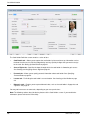
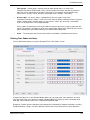
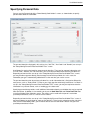
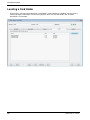
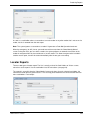
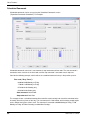
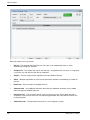
The second is accessible from the "Home/Identity" menu and shows, for each selected card holder, the
name of the reader that last granted access. This can help you to determine the current location of one or
more card holders. For example:
SMS Software User Guide
63