1
2
Code Generation and the Build Process
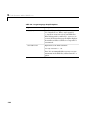
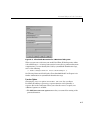
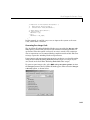
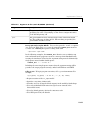
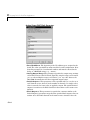
When this option is on, data objects with custom storage classes are treated as
if their storage class attribute is set to Auto.
This option is useful if you have defined data objects with custom storage
classes in your model (for use with the Real-Time Workshop Embedded Coder),
but also want to generate code from your model using other targets (such as
GRT or grt_malloc). In such a case, you can turn Ignore Custom Storage
Classes on to generate code that does not include custom storage definitions,
without reconfiguring the storage definitions of the model.
For the GRT and grt_malloc targets, this option is on by default. For the
Real-Time Workshop Embedded Coder, this option is off by default.
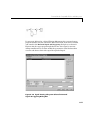
You can also enter the option directly into the System target file field in the
Target configuration category of the Real-Time Workshop pane. The
following example turns the option on
-aIgnoreCustomStorageClasses=1
See “Using Custom Storage Classes” in the Real-Time Workshop Embedded
Coder documentation for further information.
TLC Debugging Options
The TLC Debugging options are of interest to those who are writing TLC code
when customizing targets, integrating legacy code, or developing new blocks.
2-18