1
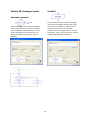
Selecting the correct PICAXE type
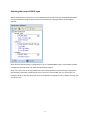
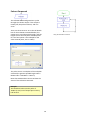
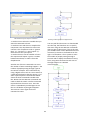
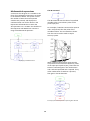
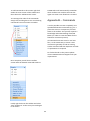
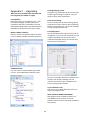
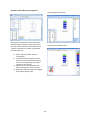
Before the flowchart is drawn the correct PICAXE microcontroller chip type, download cable COM
port and simulation image should be selected from within the Settings tab on the Workspace
Explorer.
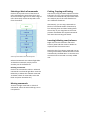
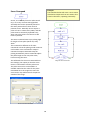
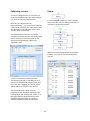
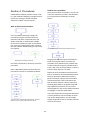
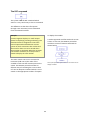
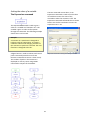
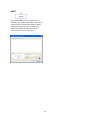
Note that the input/output pin configuration (e.g. for a PICAXE-08M2 chip) is setup within the Start
command on the flowchart, not within the Workspace Explorer.
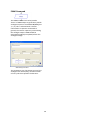
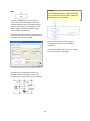
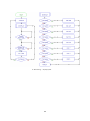
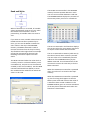
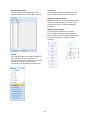
Note that if you have the wrong PICAXE chip selected the available input/output pins displayed in
the flowchart command cell dialogs will not be accurate. If the PICAXE type you are using is not
currently shown in the drop down list use the File>Options>Compilers menu to display the chip type
you wish to use.
4