1
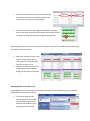
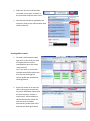
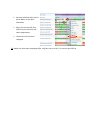
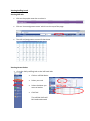
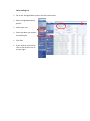
Amending Unavailability If a staff member contacts the ward with an update of their absence. Right click on their unavailability and select “edit unavailability” From here you will be able to amend the dates of the unavailability and the reason. Approving Leave From the main screen select the three little dots next to annual leave or study leave (whichever needs approving). You can also see how many requests need approving next to the leave requests.