1
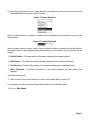
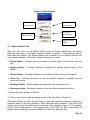
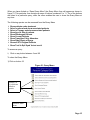
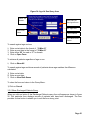
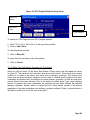
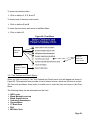
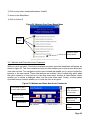
Figure 34: Age Vs Sex Query form
Show All
button
Open Form
button
Start and End
date input boxes
Sex input box
Cancel Button
View Both Sexes
button
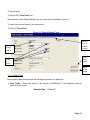
To search against age and sex:
1)
2)
3)
4)
Enter a start date in the format of “12-Mar-01”
Enter an end date in the format of “12-Mar-01”
Enter either “M” for male or “F” for female
Click on Open Form
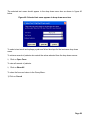
To retrieve all patients regardless of age or sex:
1) Click on Show All
To search against age and show records of patients whose age matches the difference
calculated:
1) Enter a start date
2) Enter an end date
3) Click on View Both Sexes
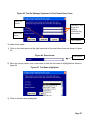
To close the form and return to the Query Menu:
1) Click on Cancel
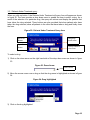
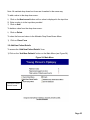
3.2.5 Show Discharged Patients Query
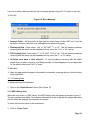
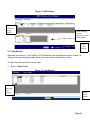
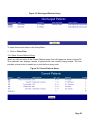
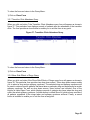
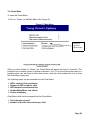
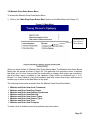
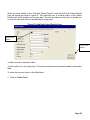
When you click on button 5 the Discharged Patients query form will appear as shown in figure
35. This particular form displays records of patients who have been discharged. The form
provides a close button to enable you to exit the form at any point.
Page 21