1
OnBoard Pro User Guide
27
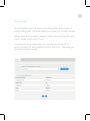
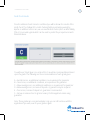
Fine Details
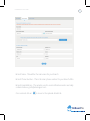
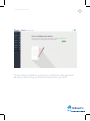
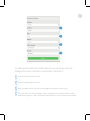
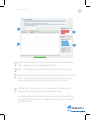
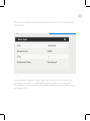
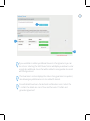
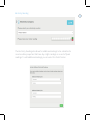
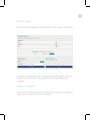
After all the tenants have been added and the property selected you will be
prompted to select the Move in date, Rent payment date and the Rental period.
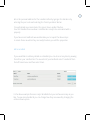
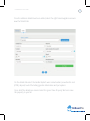
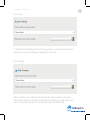
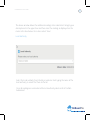
Move in Date
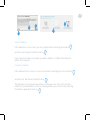
The move in date must be after the ‘Available from’ date of the property.
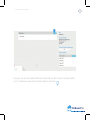
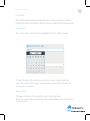
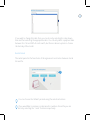
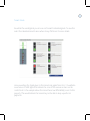
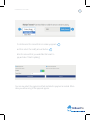
To select the date click on the move in box to reveal a calendar selection,
select the month and the year in the top boxes and then select the date the
tenant is due to move in.
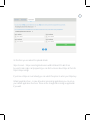
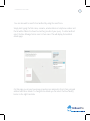
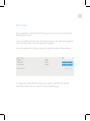
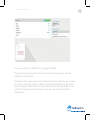
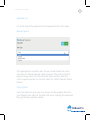
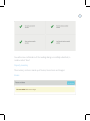
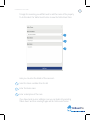
Payment Date
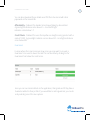
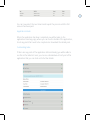
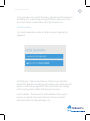
The payment date is of the month the rent is due to be taken.
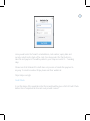
When the move in date is selected this will automatically be set to the date the
tenant moves in.
OnBoard Pro