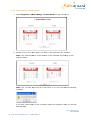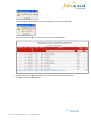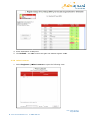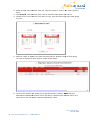
1
1
Introduction
Welcome to the web based interface of Facility CMIS. In this guide you will see
examples of how ePortal operates and how this can be utilised by your institution.
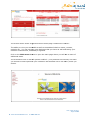
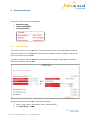
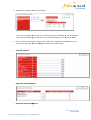
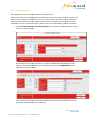
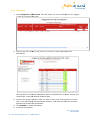
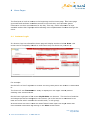
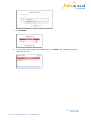
When you start ePortal you will be presented with the login screen. This screen looks
the same for every user. Your institution may have adjusted this page, so some options
may not be available or look different for you.
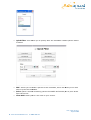
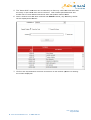
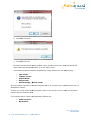
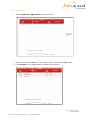
Enter your ‘Username’ and ‘Password’ then click on Login.
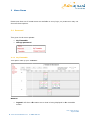
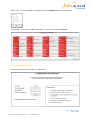
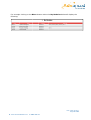
You will then be directed to a screen appropriate to your login.
User guide version 1
Page 3 of 51
w www.advancedfirstline.com
t 08456 888 500