1
snom UC Edition and snom 710
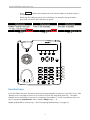
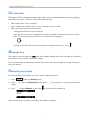
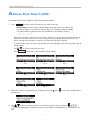
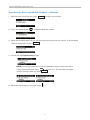
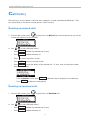
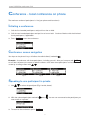
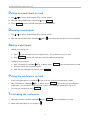
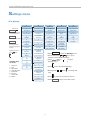
Transferring calls to speed dial numbers - unattended
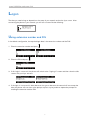
1. W
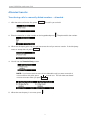
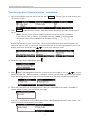
ith a call ringing or an active call on the line, press
see the dial screen.
Xfer . The call is put on hold, and you will
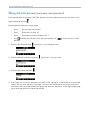
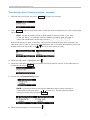
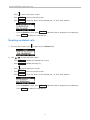
2. P
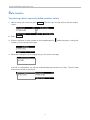
ress the speed dial key
. While the phone is calling the number, you will either see the the
hold screen (if you are transferring an active call) or a new missed call (if you have transferred a
ringing call).
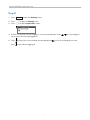
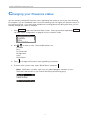
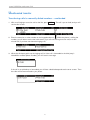
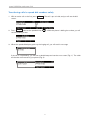
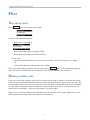
3. W
hen the third party picks up the ringing call (or if the call is forwarded to the third party's
VoiceMail or another phone number), you will see this message:
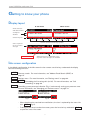
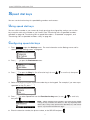
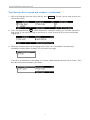
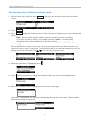
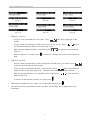
If the call is not picked up or forwarded, you will hear a double beep and see the error screen. Then
the caller will be reconnected to your phone.
21