1
Online FSM – Hub User Guide
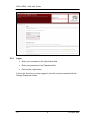
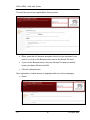
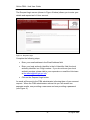
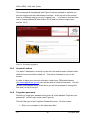
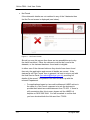
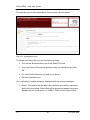
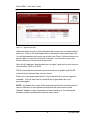
The Request Login screen (shown in Figure 2 below) allows you to enter your
details and request an LA User account.
Figure 2 - Request Login
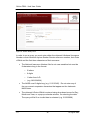
Complete the following steps:
•
Enter your email address in the Email Address field
•
Enter your local authority identifier in the LA Identifier field (the local
authority identifier is a 3 digit number. If you do not know your local
authority number, please talk to your supervisor or email the Hub team
at fsm.admin@dcsf.gsi.gov.uk)
•
Click on the Request Login button
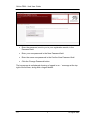
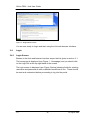
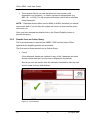
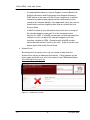
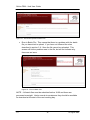
An email will be sent to the FSM administrator informing them of your account
request. When the FSM administrator actions this you will receive two
separate emails, one providing a username and one providing a password
(see Figure 3).
1.0
21
27 August 2009