1
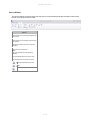
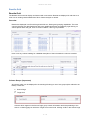
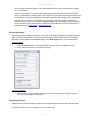
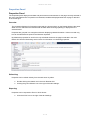
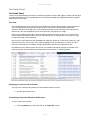
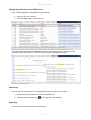
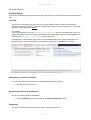
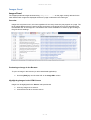
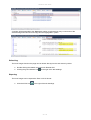
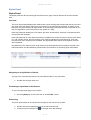
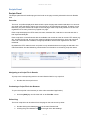
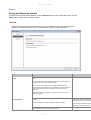
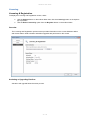
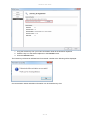
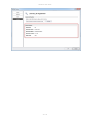
SiteScan User Guide Images Panel Images Panel The Images panel lists images declared using <img src='...'/> on the page currently selected in the main Results Grid. Images are displayed whenever a page is selected in the results grid. Overview Images are only listed once in this view regardless of how many times they may appear on a page. The list of images displays the ALT text for the first occurrence of the image found on the page along with the Absolute URL to the image file. The Relative URL is also available to be shown by right-clicking on the grid column headings. Previewing an Image in the Browser To open an image in the browser (or native associated application): Hold the [Shift] key and click the URL in the Image URL column. Highlighting Images in the HTML Source Images can be highlighted in the Source code preview tab: Click any image row to select it. Click the Source tab to view the source. 21 / 39