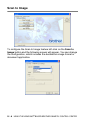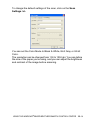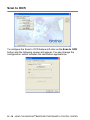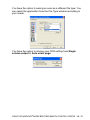
1
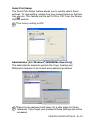
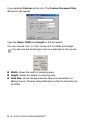
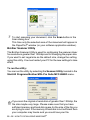
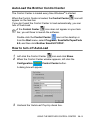
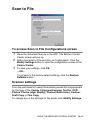
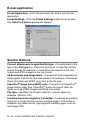
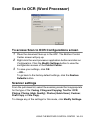
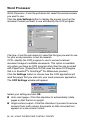
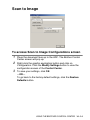
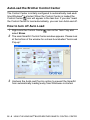
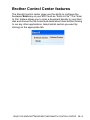
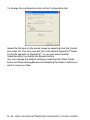
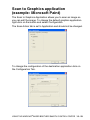
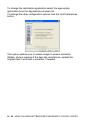
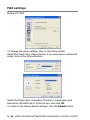
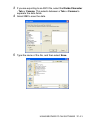
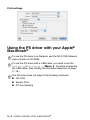
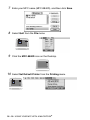
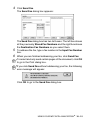
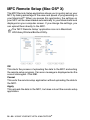
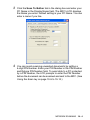
To change the configuration click on the Configuration tab.
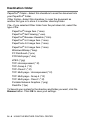
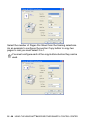
Select the file type for the saved image by selecting from the Format
pull down list. You can save the file to the default PaperPort® folder
so the file appears in PaperPort®, or you can select another
folder/directory by clicking the Browse button.
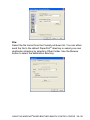
You can change the default setting by selecting the Other Folder
button and then clicking Browse and selecting the folder in which you
wish to save your files.
15 - 16 USING THE WINDOWS®-BASED BROTHER SMARTUI CONTROL CENTER