1
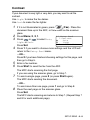
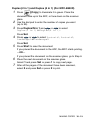
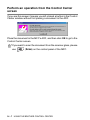
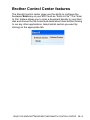
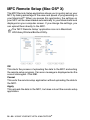
Perform an operation from the Control Center
screen
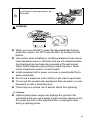
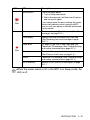
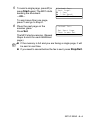
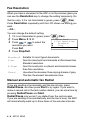
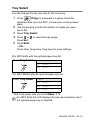
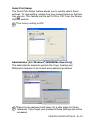
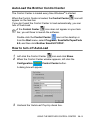
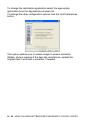
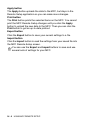
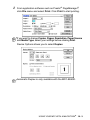
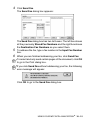
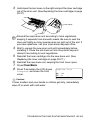
If you see this screen it means you left-clicked a button in the Control
Center window without first placing a document in the ADF.
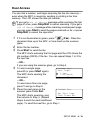
Place the document in the MFC’s ADF, and then click OK to go to the
Control Center screen.
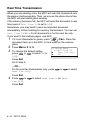
If you want to scan the document from the scanner glass, please
use
(Scan) on the control panel of the MFC.
14 - 7 USING THE BROTHER CONTROL CENTER