1
FP manual server.qxd
6/11/01
3:25 PM
Page C-60
Appendix C - ASCII Command Line Interface
Rules
C-60
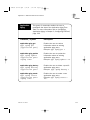
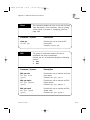
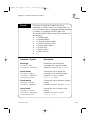
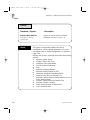
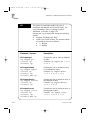
This group of commands enables the user to
manipulate the data of the Port Rules table. For more
information, refer to Setting Up Security, in Chapter 3,
page 3-72.
Entering the rules command will display the following
options:
z delete
z get
z set
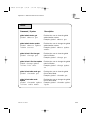
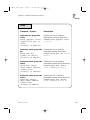
Command / Syntax
Description
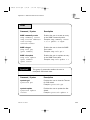
rules delete
rules delete <port>
Enables the user to delete a specific
bi-directional rule.
Example: rules delete 2
rules delete all
rules delete all
Enables the user to delete the entire
port rules table.
Example: rules delete all
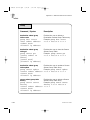
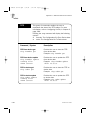
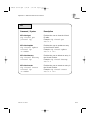
rules get
rules get
Enables the user to view the Rules
table.
Example: rules get
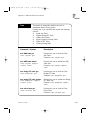
rules get
rules get
Enables the user to view the Rules
table.
Example: rules get
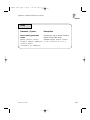
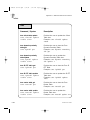
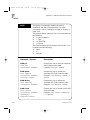
rules set
rules set
<in port><out port>
Enables the user to set a specific
bi-directional rule.
Example: rules set 2 5
FireProof User Guide