1
QTrace User Guide
15
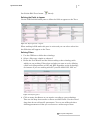
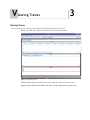
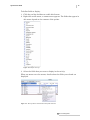
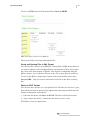
Click on the top row to define the fields to display in the table view.
Figure 3-12: Select fields to display in Table view
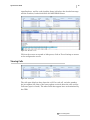
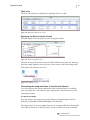
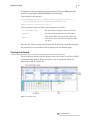
Click the buttons to move between the display of the decode, You can see Table
view, Row View and Tree View.
Figure 3-13: Decode Rows
Tree View
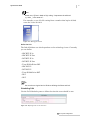
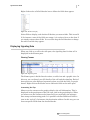
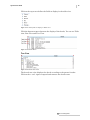
Figure 3-14: Decode Tree View
The decode tree view displays the decode according to the protocol stacks.
Click on the + and - signs to expand and contract the decode rows.
Chapter 3: Viewing Traces