1
User Manual
3.2.1: CONTROL CHANNEL ASSIGNMENT
CONTROL CHANNELS > ASSIGNMENT
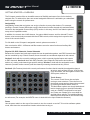
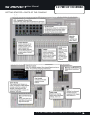
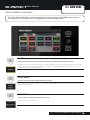
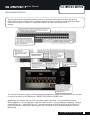
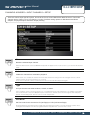
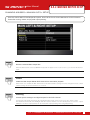
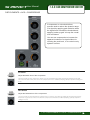
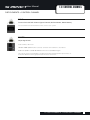
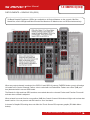
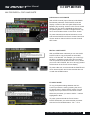
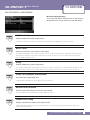
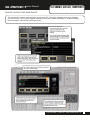
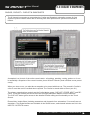
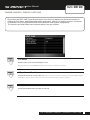
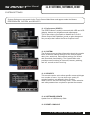
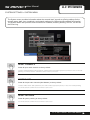
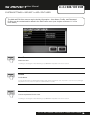
Control Channel Assignment is accessed via the FADER SETUP button in the Touch Screen Main
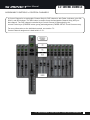
Menu. Select the Control channel using the Fader Layer and SEL buttons in the usual way - the
current Fader Bank and Slot Number cannot be edited in the FADER SETUP menu.
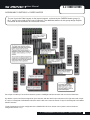
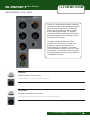
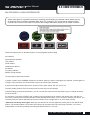
A DSP channel or VCA Master can be assigned to more than one Control channel, though you cannot
assign more than one channel or VCA Master to a single Control Channel.
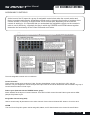
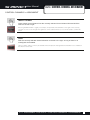
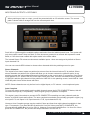
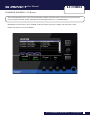
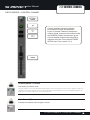
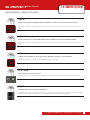
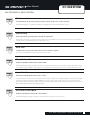
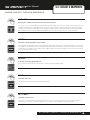
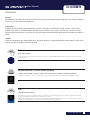
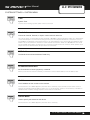
Fader Bank
Shows the currently selected Fader Layer.
This parameter cannot be edited in the menu - use the FADER button group to switch Fader Layers.
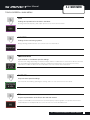
Slot Number
Shows the currently selected Slot Number (Control Channel Number) in current Fader Layer.
This parameter cannot be edited in the menu - use the Control Channel SEL buttons to choose a Slot/Control
Channel Number.
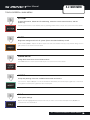
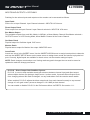
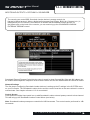
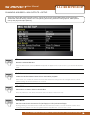
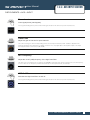
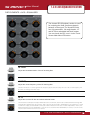
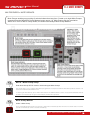
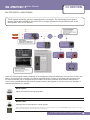
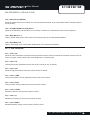
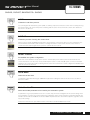
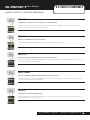
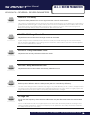
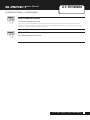
Assign Mono Inputs
Assign a Mono Input channel to the currently selected Control Channel.
Touching the value field will bring up a scrollable list of available Mono Input Channel names.
3.2.1: ASSIGNABLE CONTROLS > CONTROL CHANNELS > ASSIGNMENT