1
PICkit™ 2 Debug Express
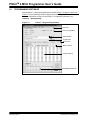
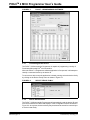
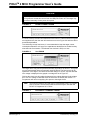
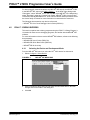
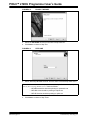
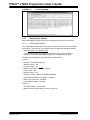
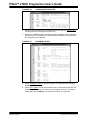
FIGURE 4-14:
PROJECT WINDOW
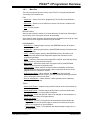
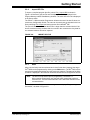
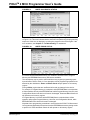
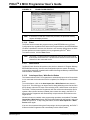
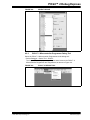
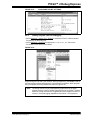
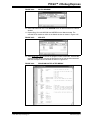
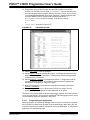
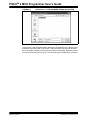
If needed, additional files can be added to the project using the Project Window. Right
click on any of the files or folders in the Project Window tree to display a pop-up window
with additional options for adding or removing files.
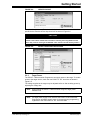
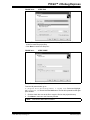
FIGURE 4-15:
4.2.6
ADDING AND REMOVING FILES
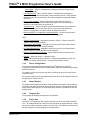
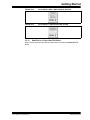
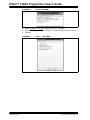
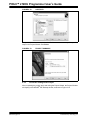
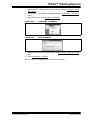
Creating a Hex File
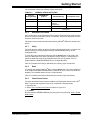
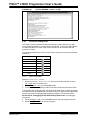
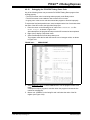
Select Project > Build All, or right click on the project name in the Project Window and
select “Build All” from the pop-up menu. The MPASM assembler will create a hex file
with the same name as the source .asm file.
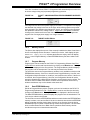
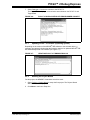
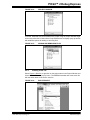
FIGURE 4-16:
© 2007 Microchip Technology Inc.
BUILD PROJECT
DS51553C-page 37