1
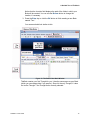
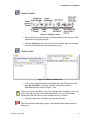
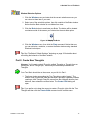
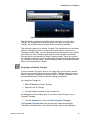
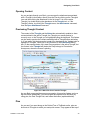
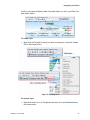
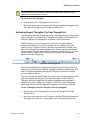
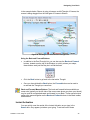
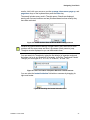
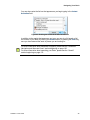
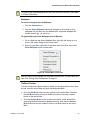
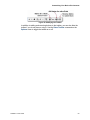
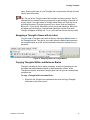
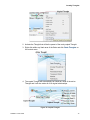
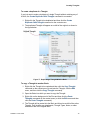
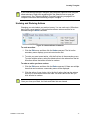
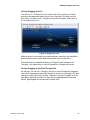
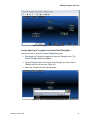
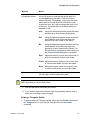
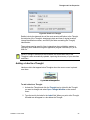
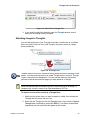
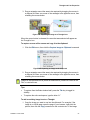
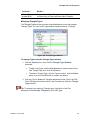
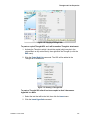
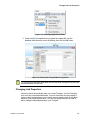
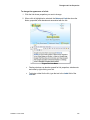
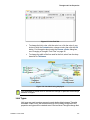
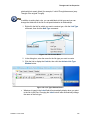
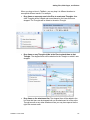
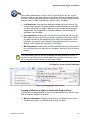
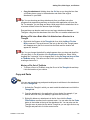
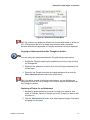
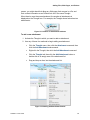
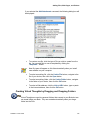
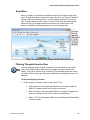
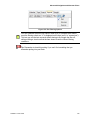
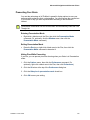
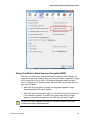
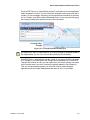
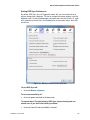
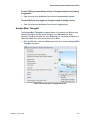
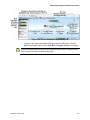
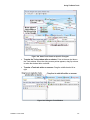
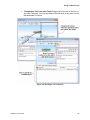
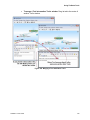
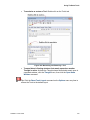
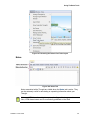
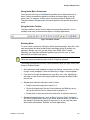
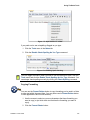
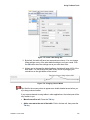
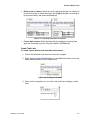
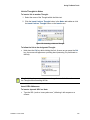
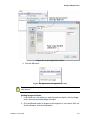
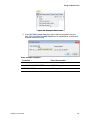
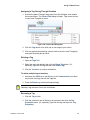
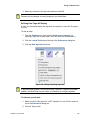
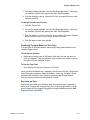
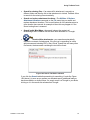
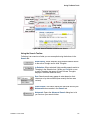
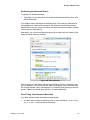
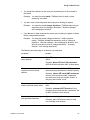
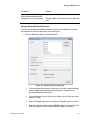
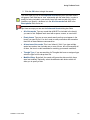
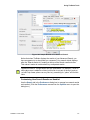
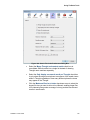
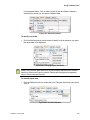
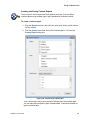
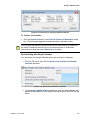
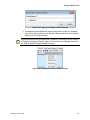
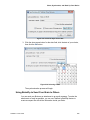
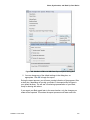
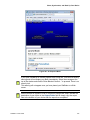
Using TheBrain Tools in two separate fields. Click on either or both of the date fields to display a calendar from which you can select a different date. Figure 201. Date Filter Options To specify sort order: Click the Sort drop-down arrow button to specify in what sequence you want the report data to be displayed. Figure 202. Changing Report Sort Order Keep in mind that the date options for the Sort field are separate from the date options for filtering the Report contents. Sorting and filtering provide separate ways of fine-tuning report results. To refresh report data: Click the Refresh button to update the list of Thoughts that match your report criteria. Figure 203. The Refresh Button TheBrain 7 User Guide 180