1
User Manual of iVMS-4000(v2.03.07)
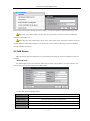
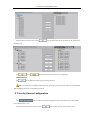
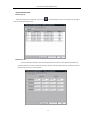
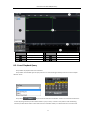
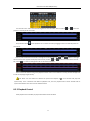
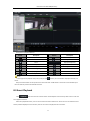
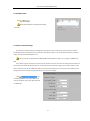
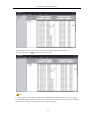
9.1.6.2 HDD Format
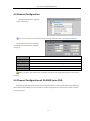
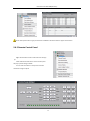
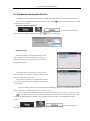
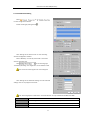
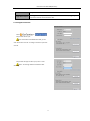
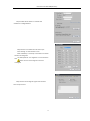
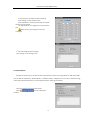
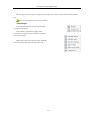
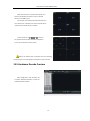
Click
Note: Please backup the data before formatting
hard disk.
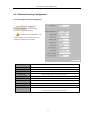
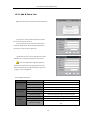
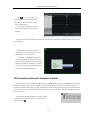
9.1.6.3 Zero-channel Settings
Zero-channel is specially used for encoding the spot output port. User could set the spot output (zero-channel)
encoding parameters, window divisions and the cycle mode. By this function, user could preview the video of the spot
output, it could save the bandwidth for user.
Note, this function is supported by the 9000 / 9100 series DVR with the version 1.2 or higher and 9600 series
NVR.
If the device supports zero-channel, and the channel number is set to be more than the analog channel number, the
last channel of the device will be zero-channel. The priority of the zero-channel is higher than IP camera channel, if you
want to use the IP channel of the DVR, you need to set the channel number to be one more than the summation of the
analog and IP channel number, zero-channel need this one channel to display.
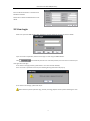
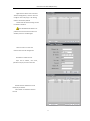
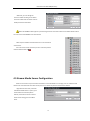
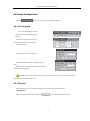
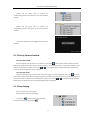
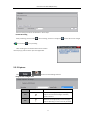
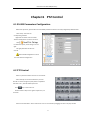
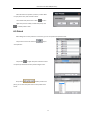
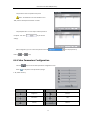
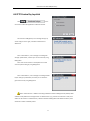
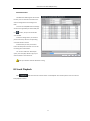
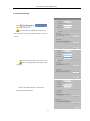
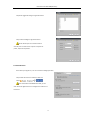
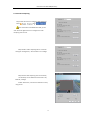
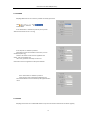
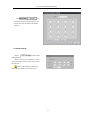
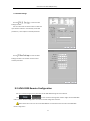
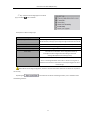
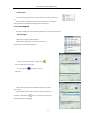
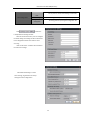
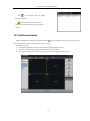
Click
, into
the setting interface. User could enable it and
then set the Bitrate, Frame rate, Split mode and
the dwell time.
83