1
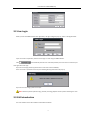
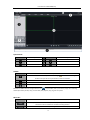
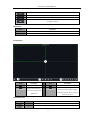
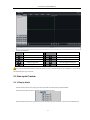
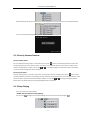
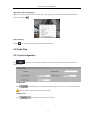
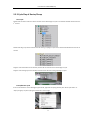
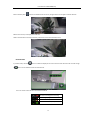
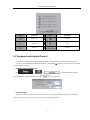
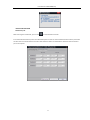
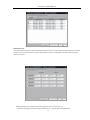
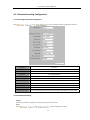
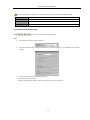
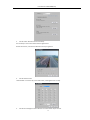
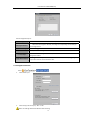
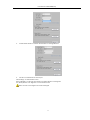
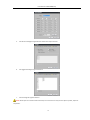
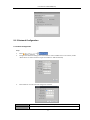
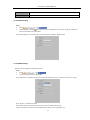
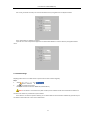
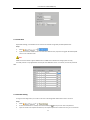
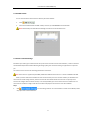
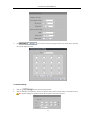
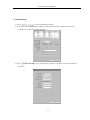
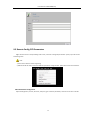
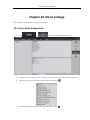
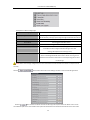
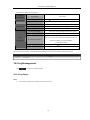
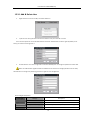
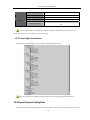
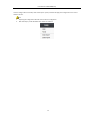
User Manual of iVMS‐4000(v2.0) Alarm Linkages Description: Linkage Warning on Monitor Description When the alarm signal is detected, the image of corresponding channel will pop out as single screen. Audio Warning Alarm triggers buzzer Upload to Center E‐mail Linkage Trigger Alarm Output Upload the alarm signal to the center, such as client software When the alarm signal is detected, the client software will send the email to the designated mailbox. Trigger alarm output of the device; if the device is DS‐9000 series, triggering alarm output of IP channel can be selected as well. 9.1.2.2 Signal Level Alarm Select 1. Select alarm input. 2. Select the type of alarm input, “NO” or “NC”. Note: The settings will become effective after rebooting. 76