1
Digital Video Recorder User Manual
7.3.2 Remote backup
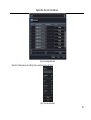
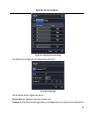
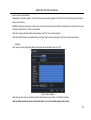
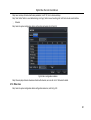
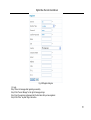
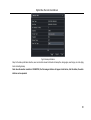
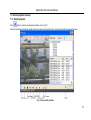
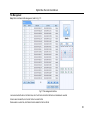
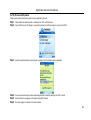
Click Backup button to enter into backup interface, refers to Fig 7-12:
Fig 7-12 remote backup interface
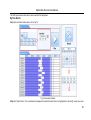
Step1: select channels, set the start and end time, then click “search’ button, the file information will be displayed in the file list box
Step2: select backup files, click “browse” button to set the save path, and then click “backup” button to start backup. The backup files will be saved
on user’s PC.
84