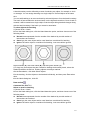
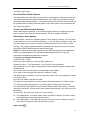
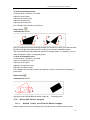
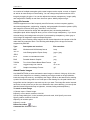
1
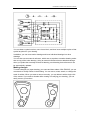
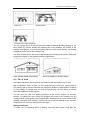
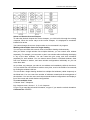
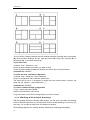
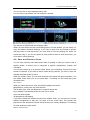
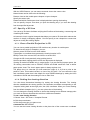
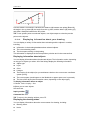
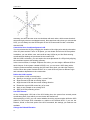
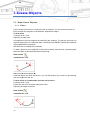
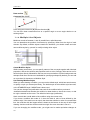
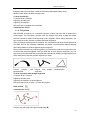
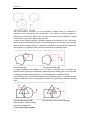
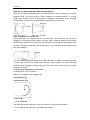
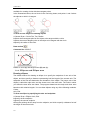
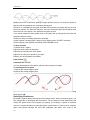
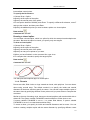
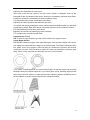
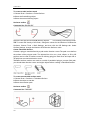
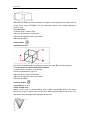
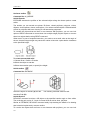
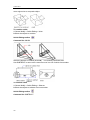
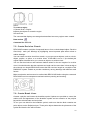
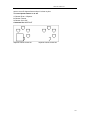
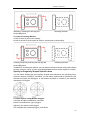
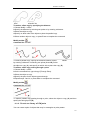
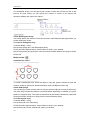
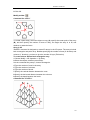
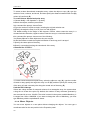
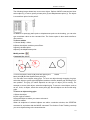
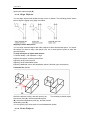
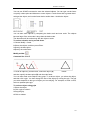
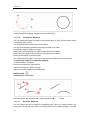
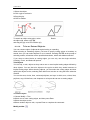
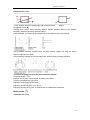
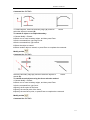
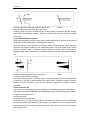
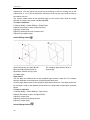
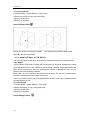
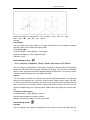
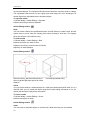
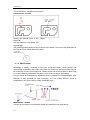
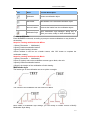
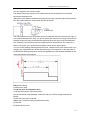
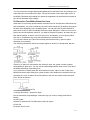
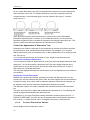
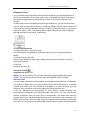
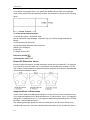
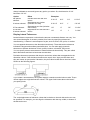
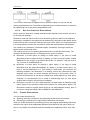
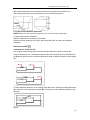
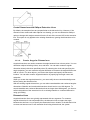
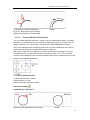
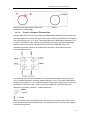
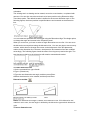
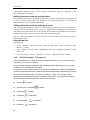
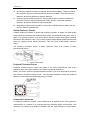
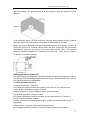
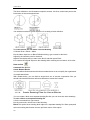
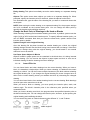
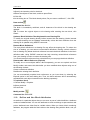
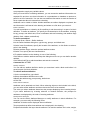
DIMENSION AND TOLERANCES directly after selecting arc by default. And use an arc symbol as arc length dimension logo, which is differing from linear dimension and angular dimension. Arc symbol of arc length dimension displays both in front of the dimension text and above it, which is adjustable from ―Other Items‖ tab either in ―Create New Dimension Style‖ dialog box or ―Modify Dimension Style‖ dialog box. Additionally, orthogonal or radial extension line is available for arc length dimension, only the included angle of the arc segment selected for creating arc length dimension is smaller than 90 degree can display it‘s orthogonal extension line. To create an arc length dimension 1 Choose Dimension > Arc Length. 2 Select an arc or polyline arc segment. 3 Specify a point to position the arc length dimension. Dimension toolbar Command line DIMARC 10.4. Modify Existing Dimensions 10.4.1. Modify Dimension Style You can modify all of properties of the existing dimension objects in a drawing using dimension styles. You can also create a dimension style override to temporarily change a dimensioning system variable without changing the current dimension style. As you create dimensions, the system applies the default current dimension style to the dimensions. The created dimension remains this style unless you apply a new dimension style to it or set up dimension style overrides. You can also modify the current dimension style and apply it to existing dimensions. If a dimension style is changed, the dimension associated with that dimension style updates automatically. Override a Dimension Style Overriding a dimension style changes a dimensioning system variable without changing the current dimension. You can define dimension style overrides for the following situations: For individual dimensions, you may want to modify some properties of dimensions, such as suppressing a dimension‘s extension lines or modifying text and arrowhead placement so that they do not overlap drawing geometry, without creating a new dimension style. Set up overrides to the current dimension style. As you have create a dimension style 251