1
ProCoder 3
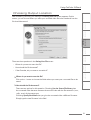
Playing converted files
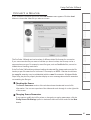
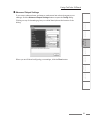
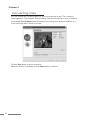
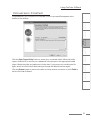
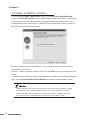
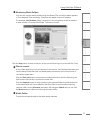
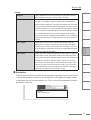
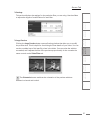
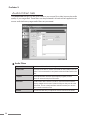
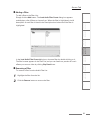
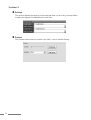
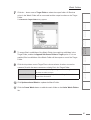
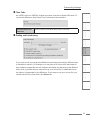
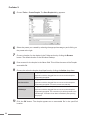
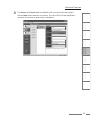
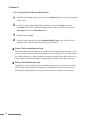
If you want to play a file after it’s encoded, click the file you want to view in the Output
List on the right side of the window and then click the Play button. The appropriate player
for the file you select appears and plays the file. If you want to open the destination folder,
click the Open Folder button. You can only open files that are finished encoding, so you
should wait until ProCoder starts encoding the next file in the batch and then trying to open
the previous file.
78