1
Security Menu
261
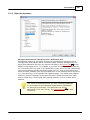
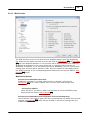
5.3.1.11 Reporting
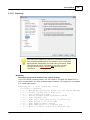
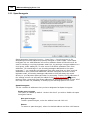
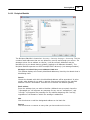
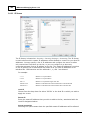
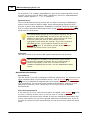
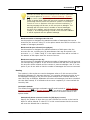
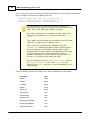
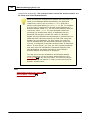
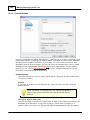
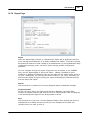
The Spam Filter Reporting options are unavailable when you
have configured MDaemon to use another server's MDaemon
Spam Daemon (MDSpamD) for Spam Filter processing. Spam
Filter Reporting will be controlled by the other server's
settings. See the Spam Daemon 251 screen for more
information.
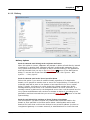
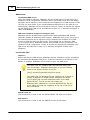
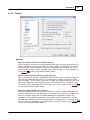
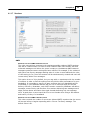
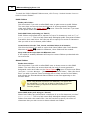
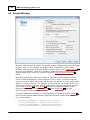
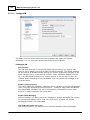
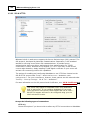
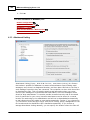
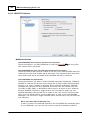
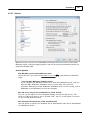
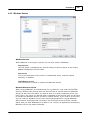
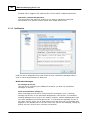
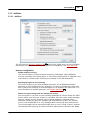
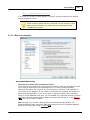
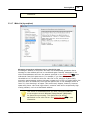
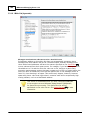
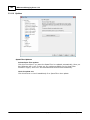
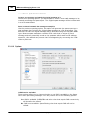
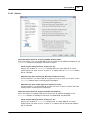
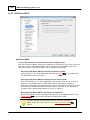
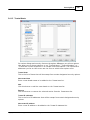
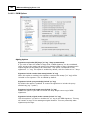
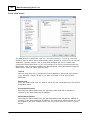
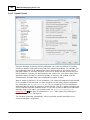
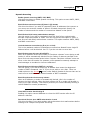
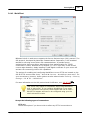
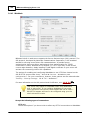
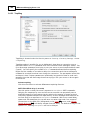
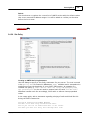
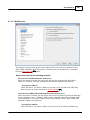
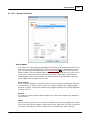
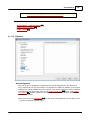
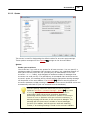
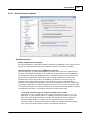
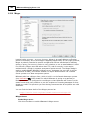
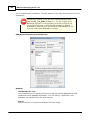
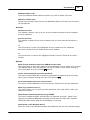
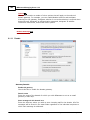
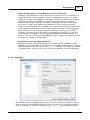
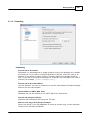
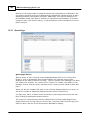
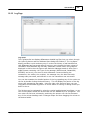
Reporting
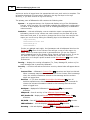
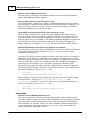
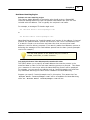
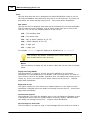
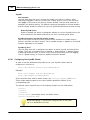
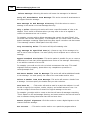
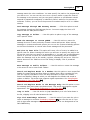
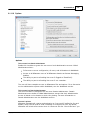
Insert spam report into the headers of the original message
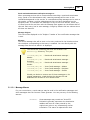
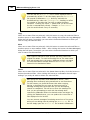
This is the default reporting option. Use this option if you want the Spam Filter to
insert a spam report into each spam message's headers. The following is an example
of a simple spam report:
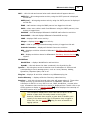
X-Spam-Report: ---- Start Spam Filter results
5.30 points, 5 required;
* -5.7 -- Message-Id indicates the message was sent from MS Exchange
* 2.0 -- Subject contains lots of white space
* -3.3 -- Has a In-Reply-To header
* 3.0 -- Message has been marked by MDaemon's DNS-BL
* 2.9 -- BODY: Impotence cure
* 2.2 -- BODY: Talks about exercise with an exclamation!
* 0.5 -- BODY: Message is 80% to 90% HTML
* 0.1 -- BODY: HTML included in message
* 1.6 -- BODY: HTML message is a saved web page
* 2.0 -- Date: is 96 hours or more before Received: date
Copyright © 1996-2012. All rights reserved. Alt-N Technologies, Ltd.