1
ecu
o e ock
lock
a e
elec
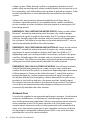
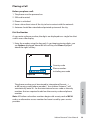
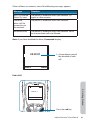
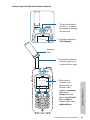
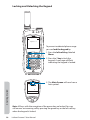
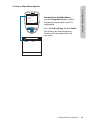
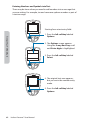
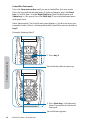
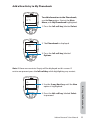
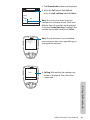
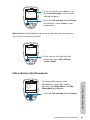
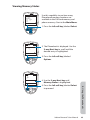
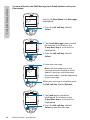
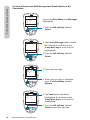
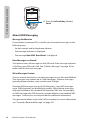
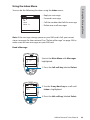
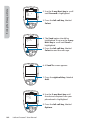
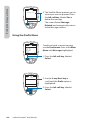
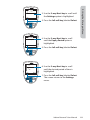
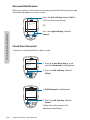
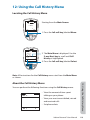
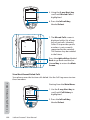
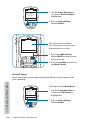
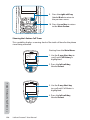
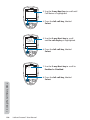
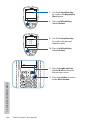
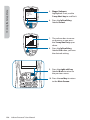
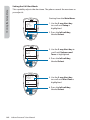
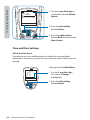
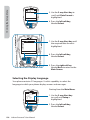
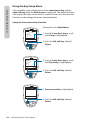
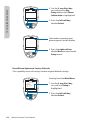
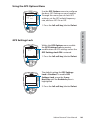
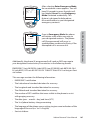
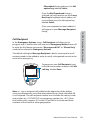
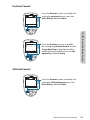
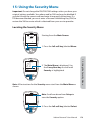
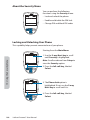
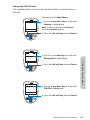
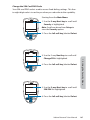
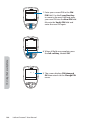
3. Use the 2-way Navi-key to scroll
until SIM lock is highlighted.
Back
4. Press the left soft key, labeled
Select.
a le
a le
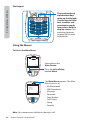
15: Using the Security Menu
elec
182
ock
lock
lock
Back
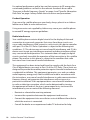
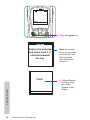
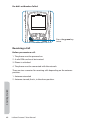
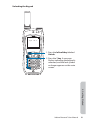
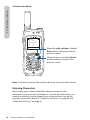
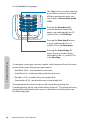
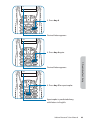
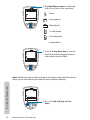
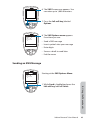
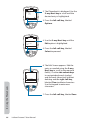
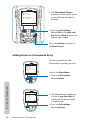
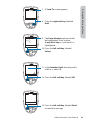
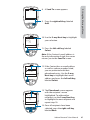
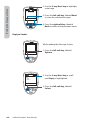
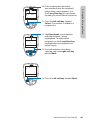
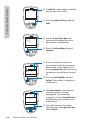
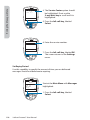
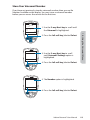
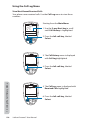
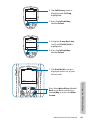
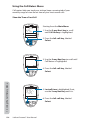
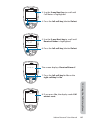
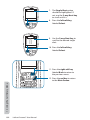
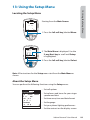
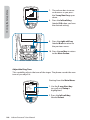
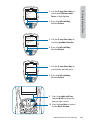
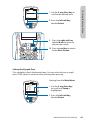
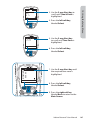
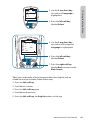
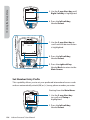
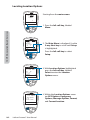
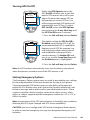
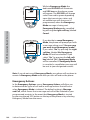
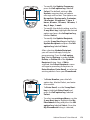
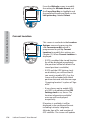
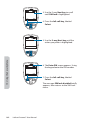
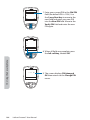
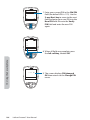
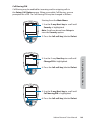
6. The Enter PIN screen appears. Using
the keypad enter the PIN number.
nter
one
ele t
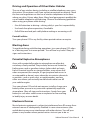
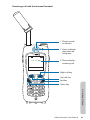
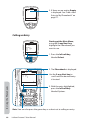
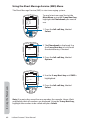
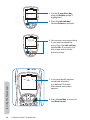
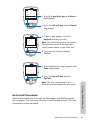
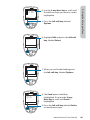
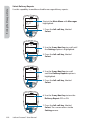
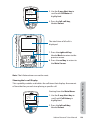
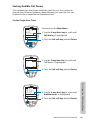
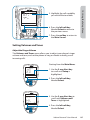
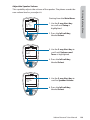
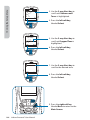
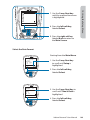
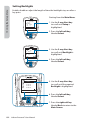
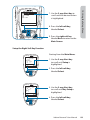
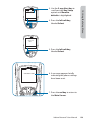
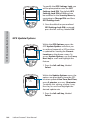
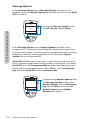
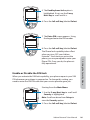
5. Use the 2-way Navi-key until the
action you prefer is highlighted.
Clear
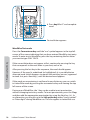
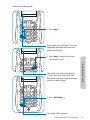
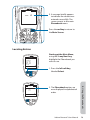
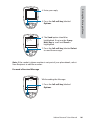
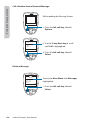
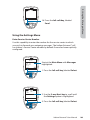
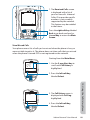
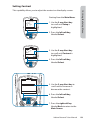
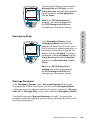
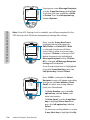
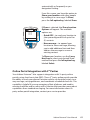
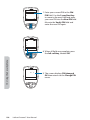
7. Press the left soft key, labeled
Select.
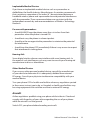
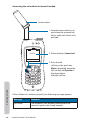
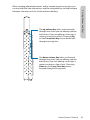
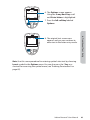
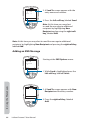
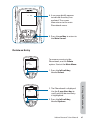
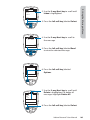
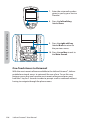
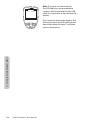
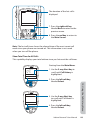
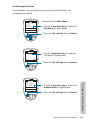
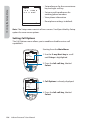
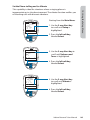
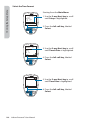
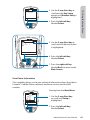
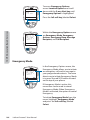
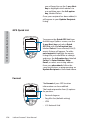
The message SIM lock disabled briefly
BQQFBSTUIFOSFUVSOTUPUIF4*.-PDL
menu.
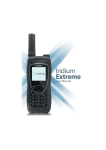
Iridium Extreme™ User Manual