1
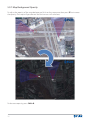
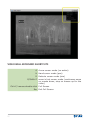
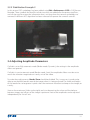
3.3.3 Stabilization Example 3
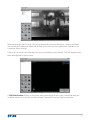
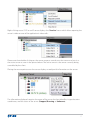
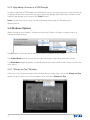
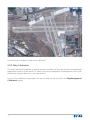
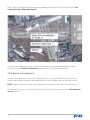
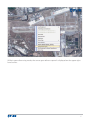
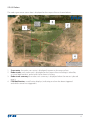
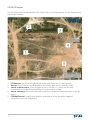
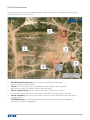
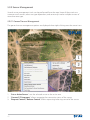
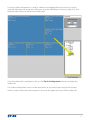
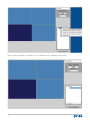
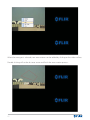
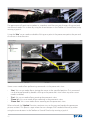
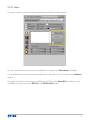
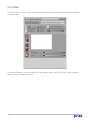
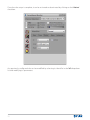
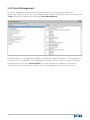
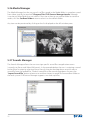
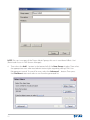
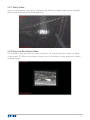
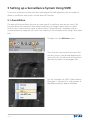
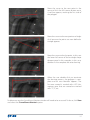
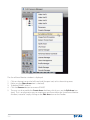
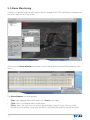
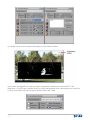
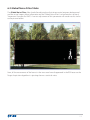
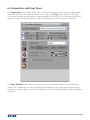
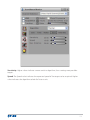
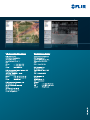
In this picture OSD symbology has been added using Edit->Preferences->OSD in FLIR Sensors
Manager. These symbols do not affect eStab since they are added after the processing filters,
and can be used to restore the information that is missing when the camera symbology was
SFNPWFE"EJGGFSFOU"($BMHPSJUINIBTCFFOTFMFDUFEUPJNQSPWFUIFDBNFSBTDPOUSBTU
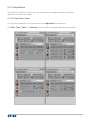
3.4 Adjusting Amplitude Parameters
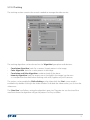
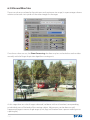
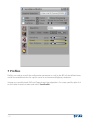
If eStab is set to fully automatic mode (Border mode: Dynamic), the settings in the amplitude
sliders are ignored.
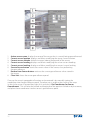
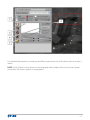
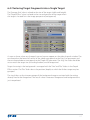
If eStab is in semi-automatic mode (Border mode: Static) the amplitude sliders must be set to
match the vibration magnitude on x and y axis of the video.
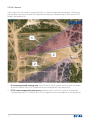
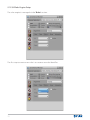
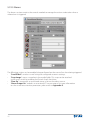
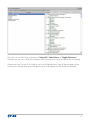
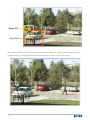
5PNBLFUIFTFBEKVTUNFOUTBorder Show should be disabled. This is necessary in order to be
BCMFUPTFFUIFCMBDLCPSEFSBSPVOEUIFJNBHFXIFOJUJTCFJOHBEKVTUFE5IFXJEUIBOEIFJHIU
of this border has to be greater in pixels than the maximum vibrations to damp on the image, on
x and y.
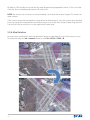
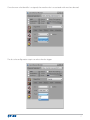
Start on the maximum (sliders to the right) and start decreasing the value until the balance
CFUXFFOJNBHFTJ[FTUJMMOFTTPGUIFJNBHFJTPQUJNVN/PUJDFUIBUBNQMJUVEFDBOCFBEKVTUFE
independently for X and Y axis.
101