1
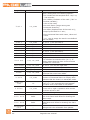
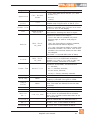
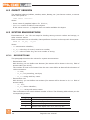
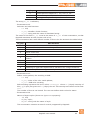
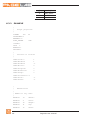
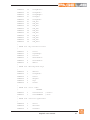
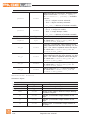
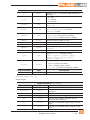
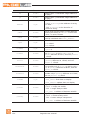
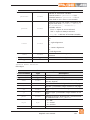
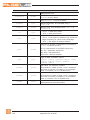
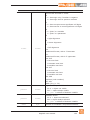
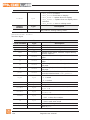
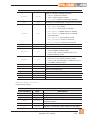
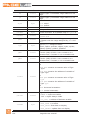
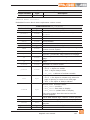
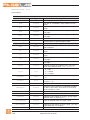
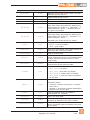
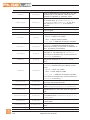
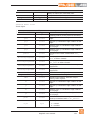
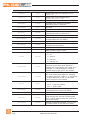
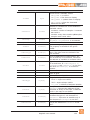
Contents
1.Overview
1.1
Main elements
1
1.2
Run-time functionalities
4
1.3
Communicating with the target
4
Creating a simple PageLab project
5
2.1
Purpose of this chapter
5
2.2
Creating a new project
5
2.3
Inserting the first age in the project
6
2.3.1
Creating a new page
6
2.3.2
Editing the colors of the page
7
2.4
Inserting a secondary page
8
2.4.1
Creating a secondary page
8
2.4.2
Dimensioning and setting the secondary page
8
2.4.3
Viewing the title bar and the system button
9
2.4.4
Assigning a style to the window
10
2.4.5
Choosing the start window
11
2.5
Inserting static controls
11
2.5.1
Inserting a line
12
2.5.2
Inserting a rectangle in the page
12
2.6
Inserting static images
14
2.6.1
Importing a bitmap in the project
14
2.6.2
Associating an imported bitmap with an image control
15
2.7
Text strings
16
2.7.1
Inserting a text string
16
2.8
Data management in PageLab
17
2.8.1
Declaring a local variable
17
2.8.2
Declaring a global variable
18
2.8.3
Importing the PLC variables in the PageLab project
19
2.8.4
Inserting field parameters
20
2.9
Inserting edit box
21
2.9.1
Inserting an edit box in the page
21
2.9.2
Edit box and PageLab local variable association
23
2.9.3
Edit box and PageLab global variable association
25
2.9.4
Linking an edit box with a target (or system) variable
25
2.9.5
Linking an edit box with a PLC LogicLab variable
26
2.9.6
Linking an edit box to a parameter
26
2.9.7
Linking an edit box to a variable by dragging and dropping
27
2.
1
PageLab user manual
III