1
Chapter 12: Working with Contours
261
•
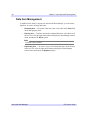
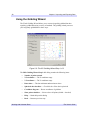
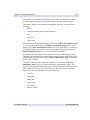
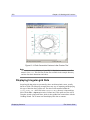
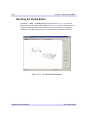
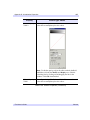
Show points checkbox — Select to show all points (default is checked)
•
Help — Obtain help on this dialog
•
Back — Return to previous step
•
Next — Proceed to Step 2 of 3
•
Cancel — Dismiss the Gridding Wizard
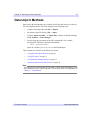
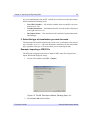
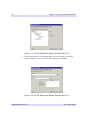
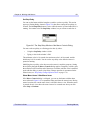
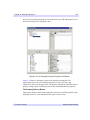
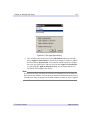
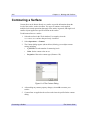
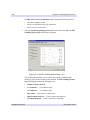
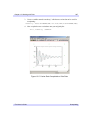
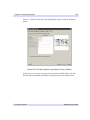
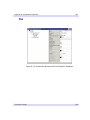
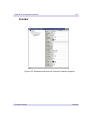
6. In the Gridding Wizard Step 1, click Next to accept the interpolation of data
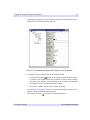
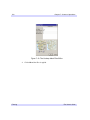
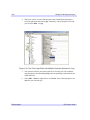
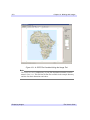
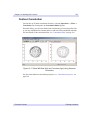
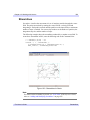
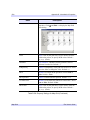
values and locations. The IDL Gridding Wizard Step 2 of 3 dialog will
appear.
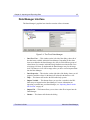
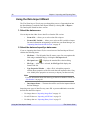
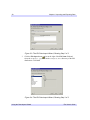
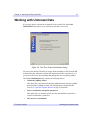
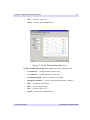
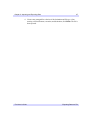
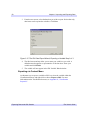
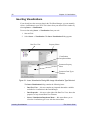
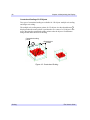
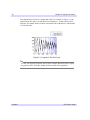
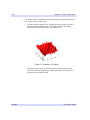
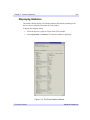
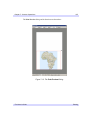
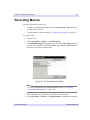
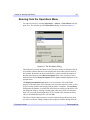
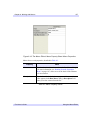
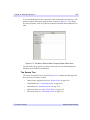
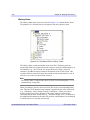
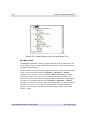
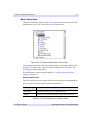
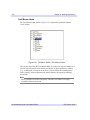
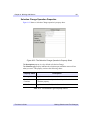
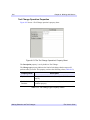
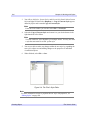
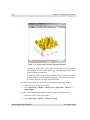
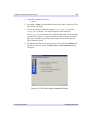
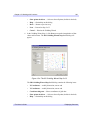
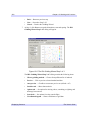
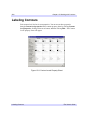
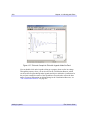
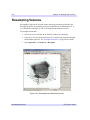
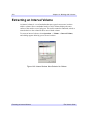
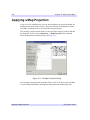
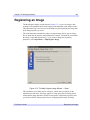
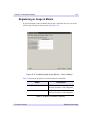
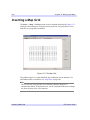
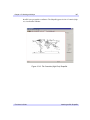
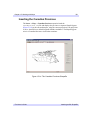
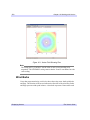
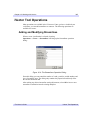
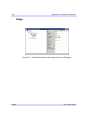
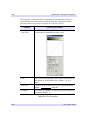
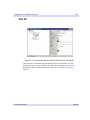
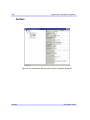
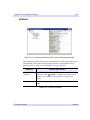
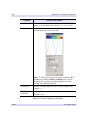
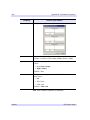
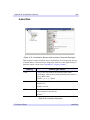
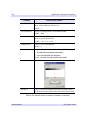
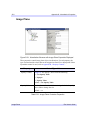
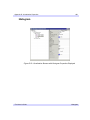
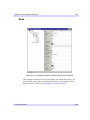
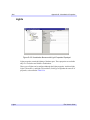
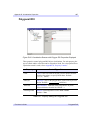
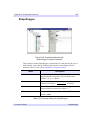
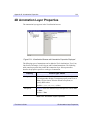
Figure 12-4: The IDL Gridding Wizard Step 2 of 3
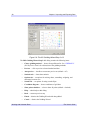
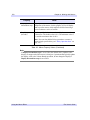
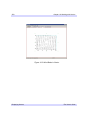
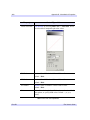
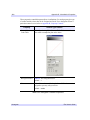
The IDL Gridding Wizard Step 2 of 3 dialog contains the following items:
iTool User’s Guide
•
X Coordinates — modify dimension, start or end
•
Y Coordinates — modify dimension, start or end
•
Coordinate diagram — Shows coordinates of grid data
•
Show points checkbox — Select to show all points (default is checked)
•
Help — Obtain help on this dialog
Displaying Contours