1
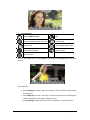
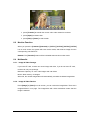
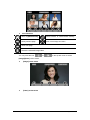
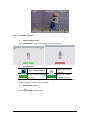
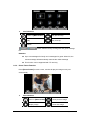
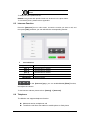
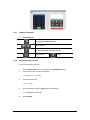
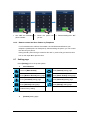
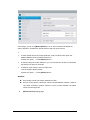
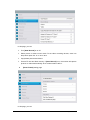
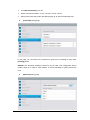
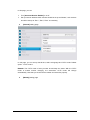
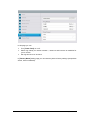
In this page, you can turn [Motion Detect] on or off, set one camera as default for motion detection, set detection start & end time and door open timeout. To set a default camera for motion detection, enter into drop-down option list: CAM1/CAM2/CCTV1/CCTV2/CCTV3/CCTV4 Choose one option → Press [Return] button. To set time range for motion detection, you can set start time as 2013-07-20:03:00; set end time as 2013-07-20:06:00. To set door open timeout, enter into option list: 1 s/2 s/3 s/Open While Pressing Choose one option → Press [Return] button. Remarks: Only master monitor has motion detection function. Once a moving object is detected, camera will automatically capture a video of 15s. When monitoring outdoor camera or CCTV, motion detection will pause until the monitoring ends. [Monitor Record] setting page Page 20 of 28