1
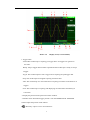
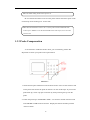
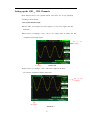
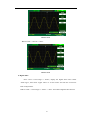
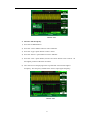
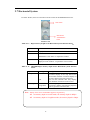
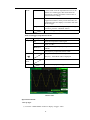
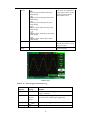
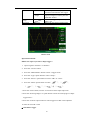
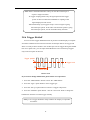
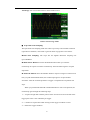
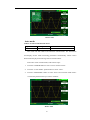
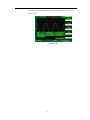
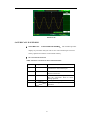
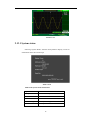
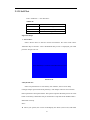
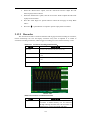
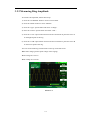
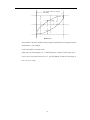
● Press“CH1”→“Coupling”→“GND”, Set to GROUND mode. It disconnects the
input signal.
Set to GND
coupling
GND Status
Picture 2-8
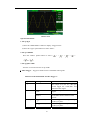
2. Set up the channel bandwidth limit
Take the CH1 for example; the tested signal is a pulse signal with the high
frequency surge:
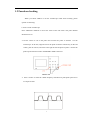
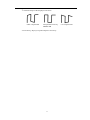
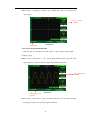
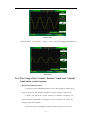
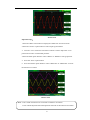
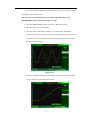
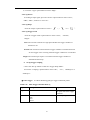
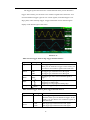
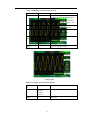
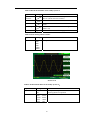
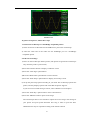
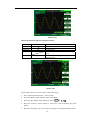
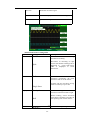
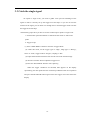
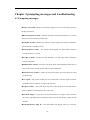
● Press “CH1”→“BW Limit”→ “On”,Set the band width Limited to open state. The
high frequency component which is higher than 20MHz obstructed.
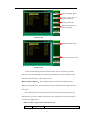
Set bandwidth to
20MHZ
Bandwidth Limit
Symbol
Picture 2-9
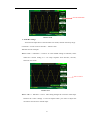
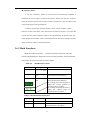
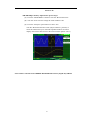
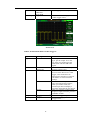
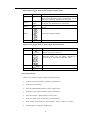
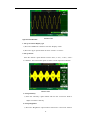
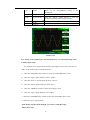
● Press“CH1”→“BW Limit”→ “Off”, Set bandwidth Limited to close state, the High
Frequency component in the tested signal could pass.
22