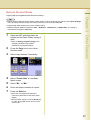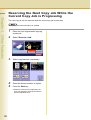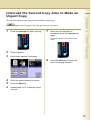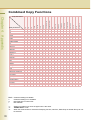
1
Conventions
Icons
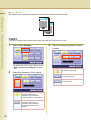
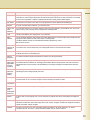
The following icons are used in this manual.
Icon
Description
Indicated important information that must be read in detail.
NOTE
Indicates reference Information.
Notation
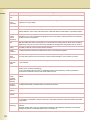
The following notations are used in this manual.
Notation
For Keys and Buttons
Description
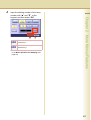
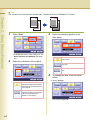
Hard buttons on the Control Panel are depicted as **** key, soft buttons on the Touch Panel
display are shown as “xxx”.
Ex:
Press the Start key and select “More Menus”.
3