1
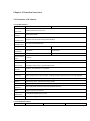
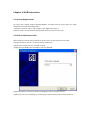
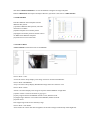
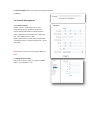
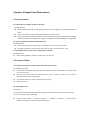
6.5.1 Search recording files
(1)Select date in the calendar
(2) <File Type>
select <Record> or <Picture>
(3)<Rec Type> Select targeted file type video/picture.
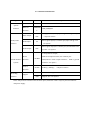
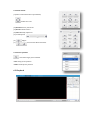
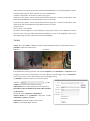
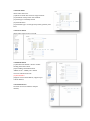
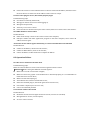
6.5.2 Descriptions of playback toolbar
con
Description
Stop recording
Icon
Description
Clip video files, and default
storage path is
D\NetVideoBrowser\
Speed down in
Single screen
1/2X,1/4X,1/6X and 1/8X
Play
Playback in 4 screen at the
same time
Speed up in 2X,4X,6X and 8X
Full Screen
Playback by frame
Download recording files
Audio on, volume adjustment
Download files into FTP
and mute
server
Capture, and default storage
Preview download status
path is D\NetVideoBrowser\
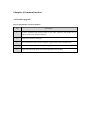
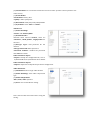
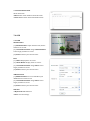
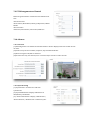
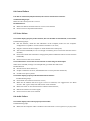
6.6 Log
(1)<Channel No> Select target channel
(2) <Log type>
All/system/warning/alarm/operation/user/others
(3) <Start time> Select start date and time.
(4) <End time> Select end date and time.
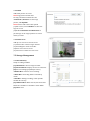
(5) <Query> Get a log list.
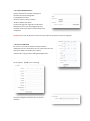
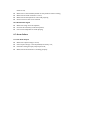
(6) Check logs by <First page><Pre page><Next
page><Last page> and <Jump to>target page.
(7)<Export current page> to export logs, and
default save path is D\NetVideoBrowser.
(8)<Export all page> to export all the pages query,
and default save path is D\NetVideoBrowser.