1
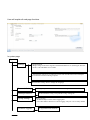
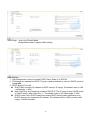
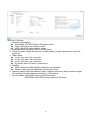
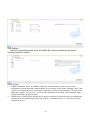
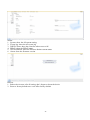
Wireless 1 Settings: 1. Wireless configuration: Wlan Mode: AP+WDS Parent: AP master mode. Client: Wireless client mode for router WDS child: WDS child mode for bridge 2. Broadcast SSID: broadcast SSID to every clients 3. Transmit power: change the amount of power used by a radio transceiver to send the signal out. 4. Radio Mode: a only: only allow 11a connection b only: only allow 11b connection g only: only allow 11g connection b/g mixed: allow 11b and 11g connection 5. Isolation: VAPs: isolate the traffic between wireless1 and wireless2 Clients: isolate the traffic between each wireless client 6. Distance: please input the distance( meter ) between this device and connection target. This setting is for long distance connection (>300 meters) 7. Security Mode: WPA2 allows WPA and WPA2 stations. WPA/WPA2 with RADIUS only support for AP mode 19